ENDIzLED-252 — WiFi LED Strip Controller (W‑RGBWW)
- The ENDIzLED-252 is a compact WiFi controller for constant‑voltage LED strips (RGB + dual white channels — RGBWW). Control color, brightness and CCT via the Magic Home Pro app or integrate into smart scenes. Ideal for accent lighting, backlighting, cabinets, coves and DIY installs.
Key features
- WiFi control (no hub required) — use Magic Home Pro app.
- Supports RGBWW strips (RGB + warm white + cool white) with common‑anode wiring.
- Compatible with Android 4.0+ and iOS 9.0+.
- Change device type in the app (DIM, CCT, RGB, RGBW, RGBWW) for flexible strip types.
- Visible control distance up to 30 m (line of sight with remote app control on local WiFi).
- Certifications: CE, RoHS, FCC.
Performance & compatibility
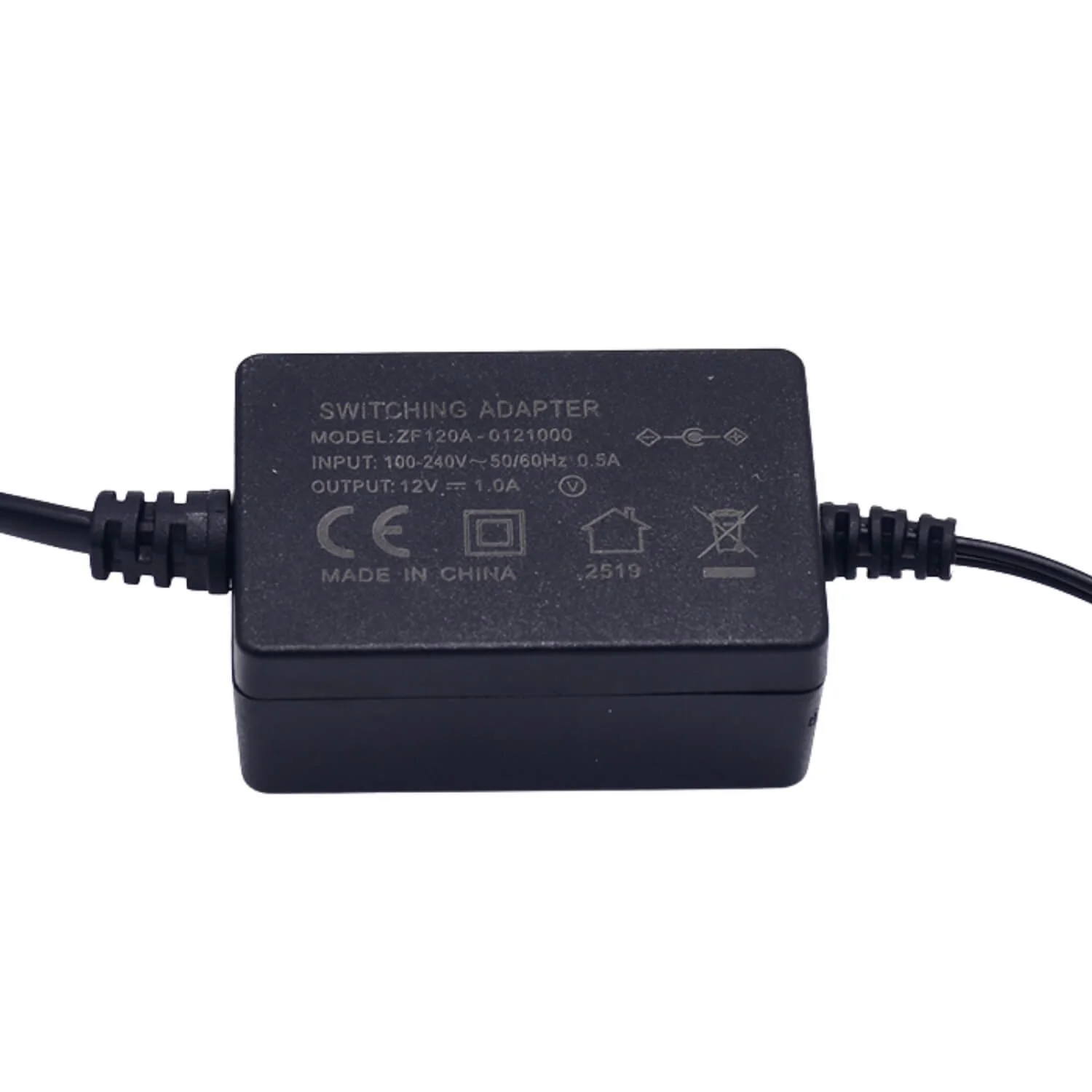
- Input voltage: DC 12–24 V — works with common LED power adapters.
- Max output power: 240 W (ensure your power supply and strip draw are within limits).
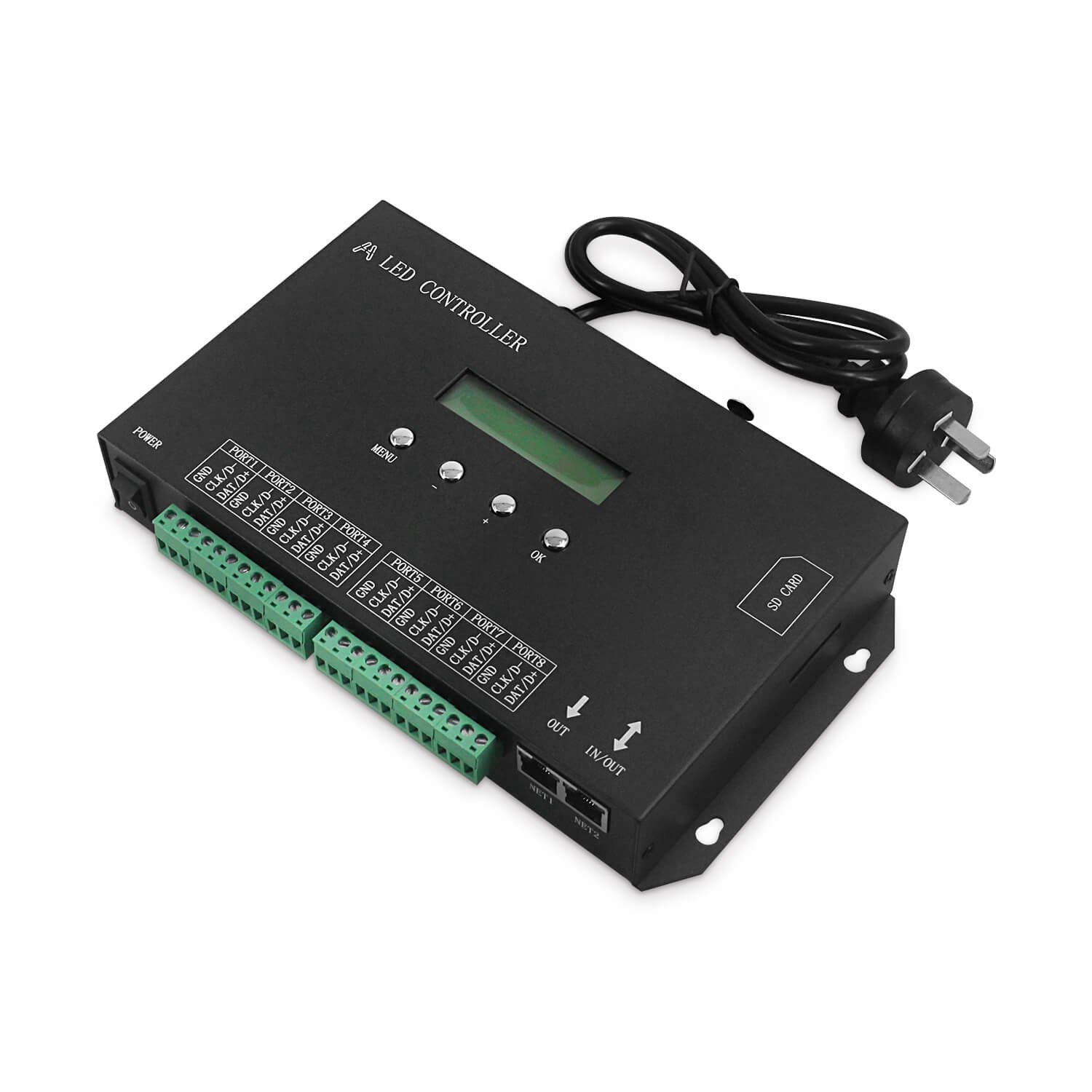
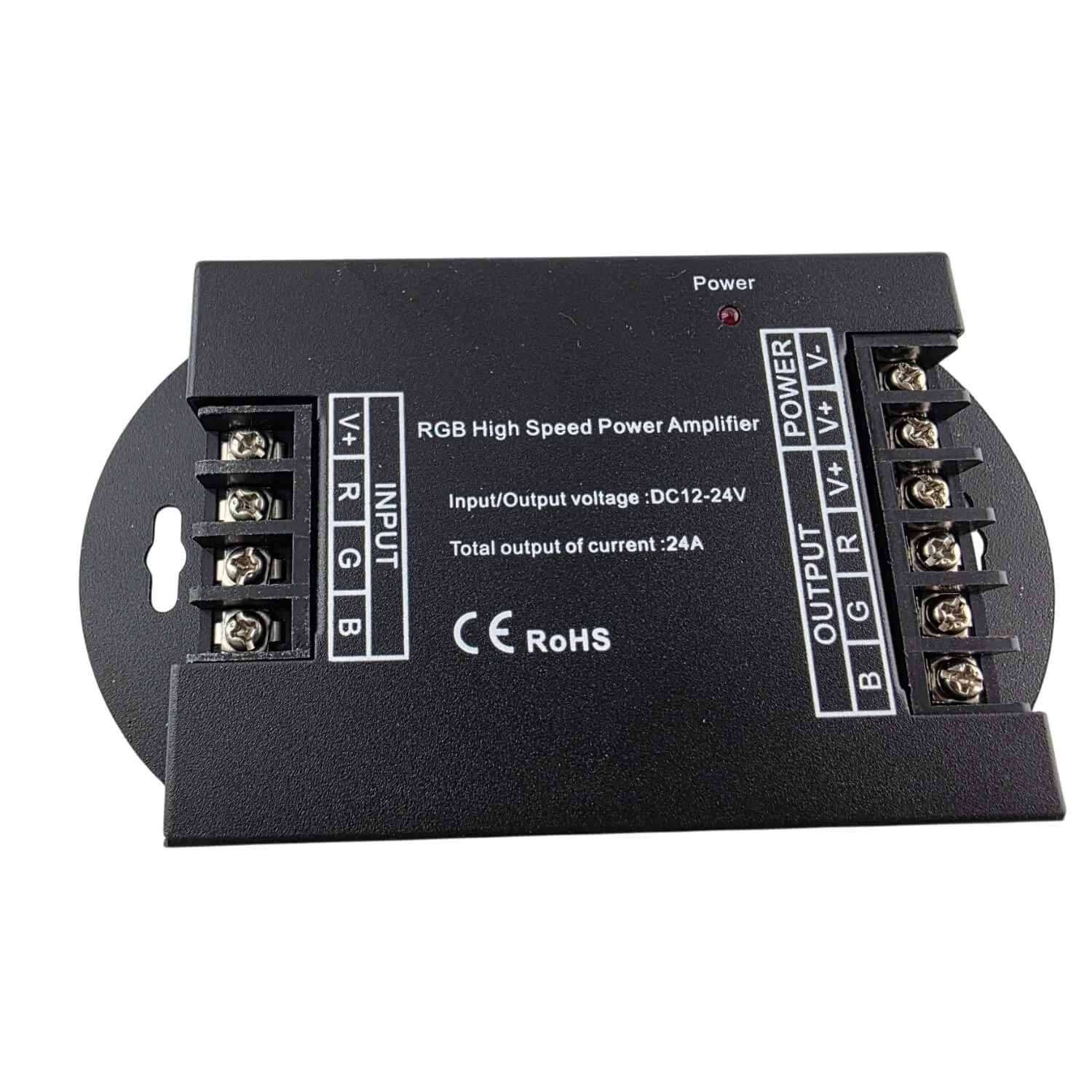
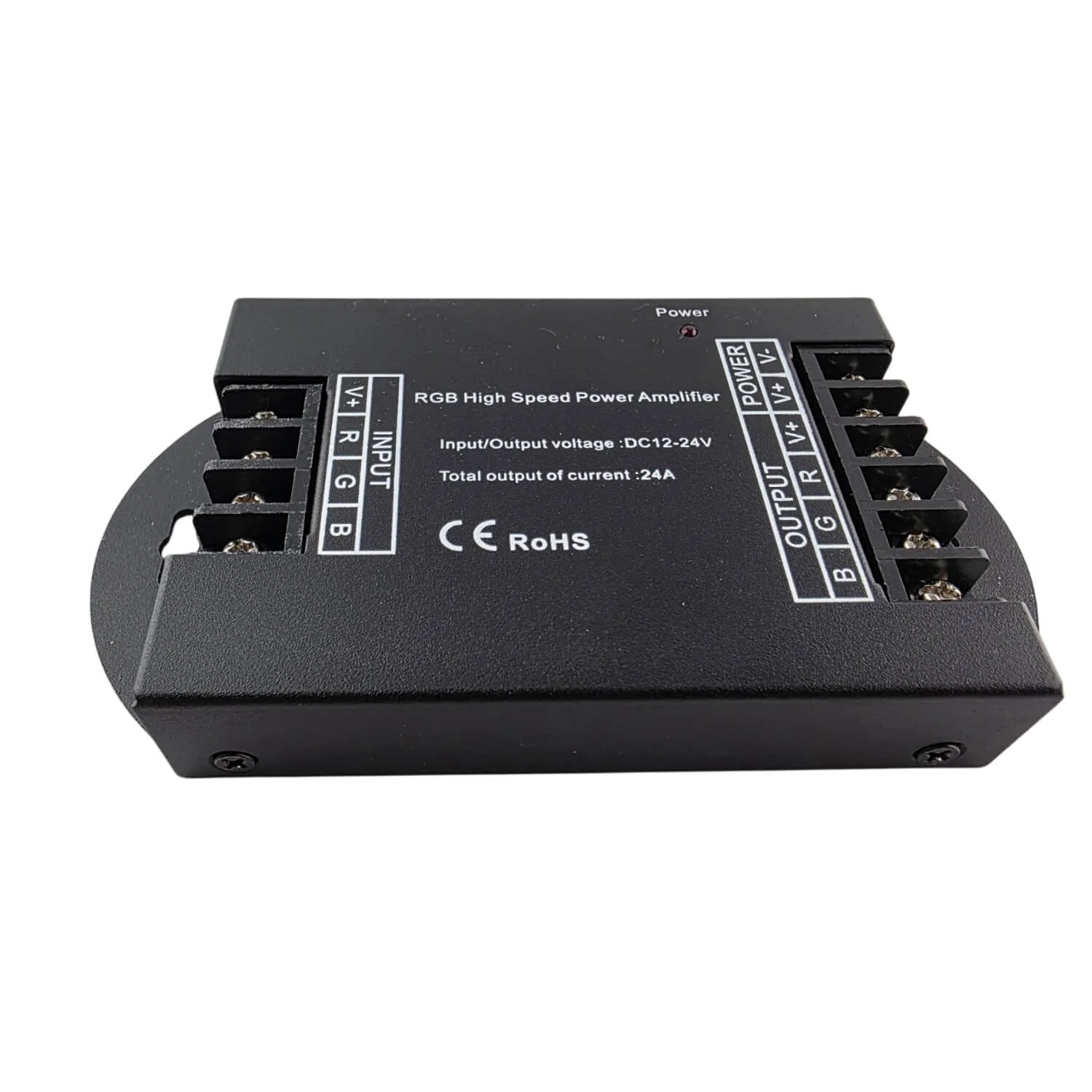
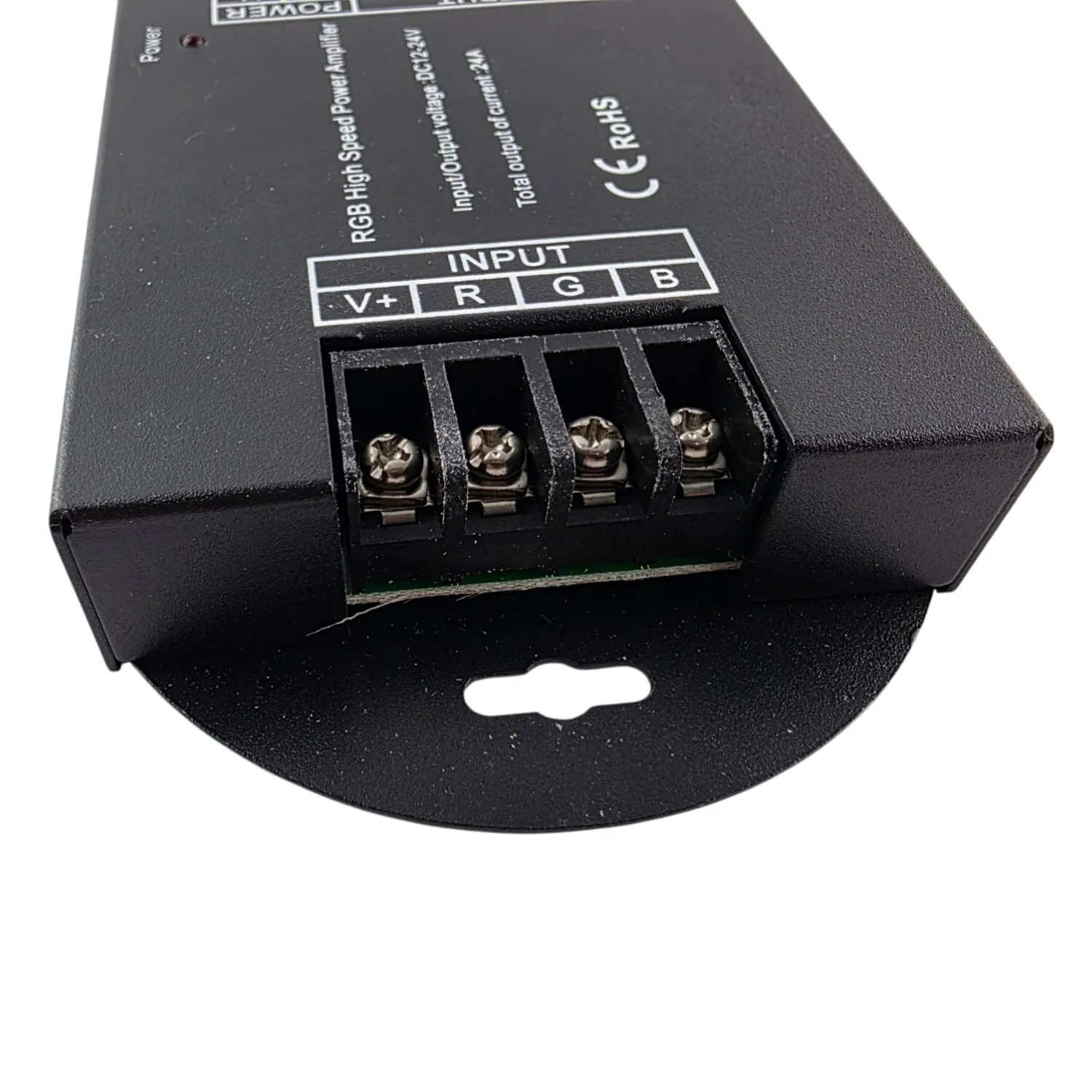
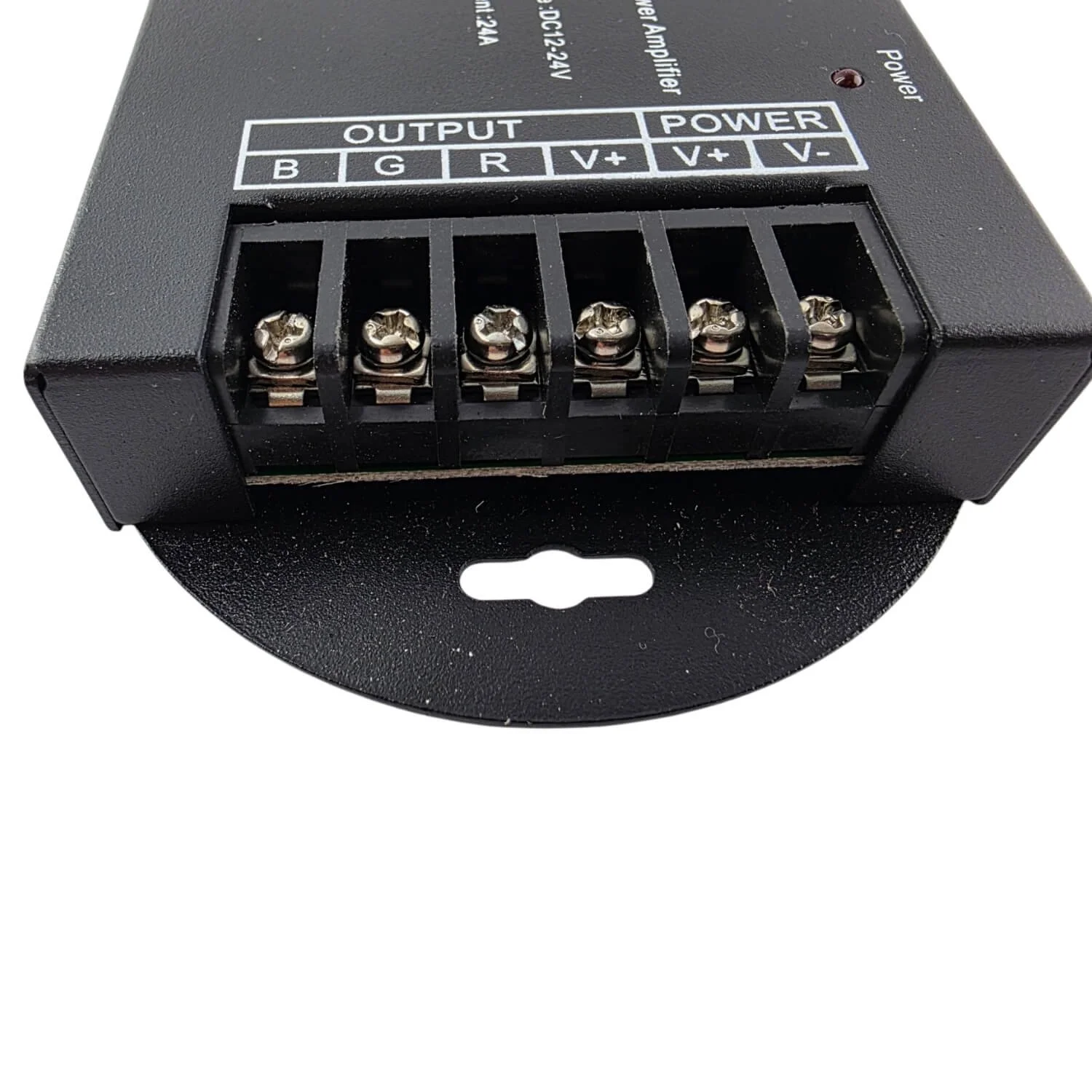
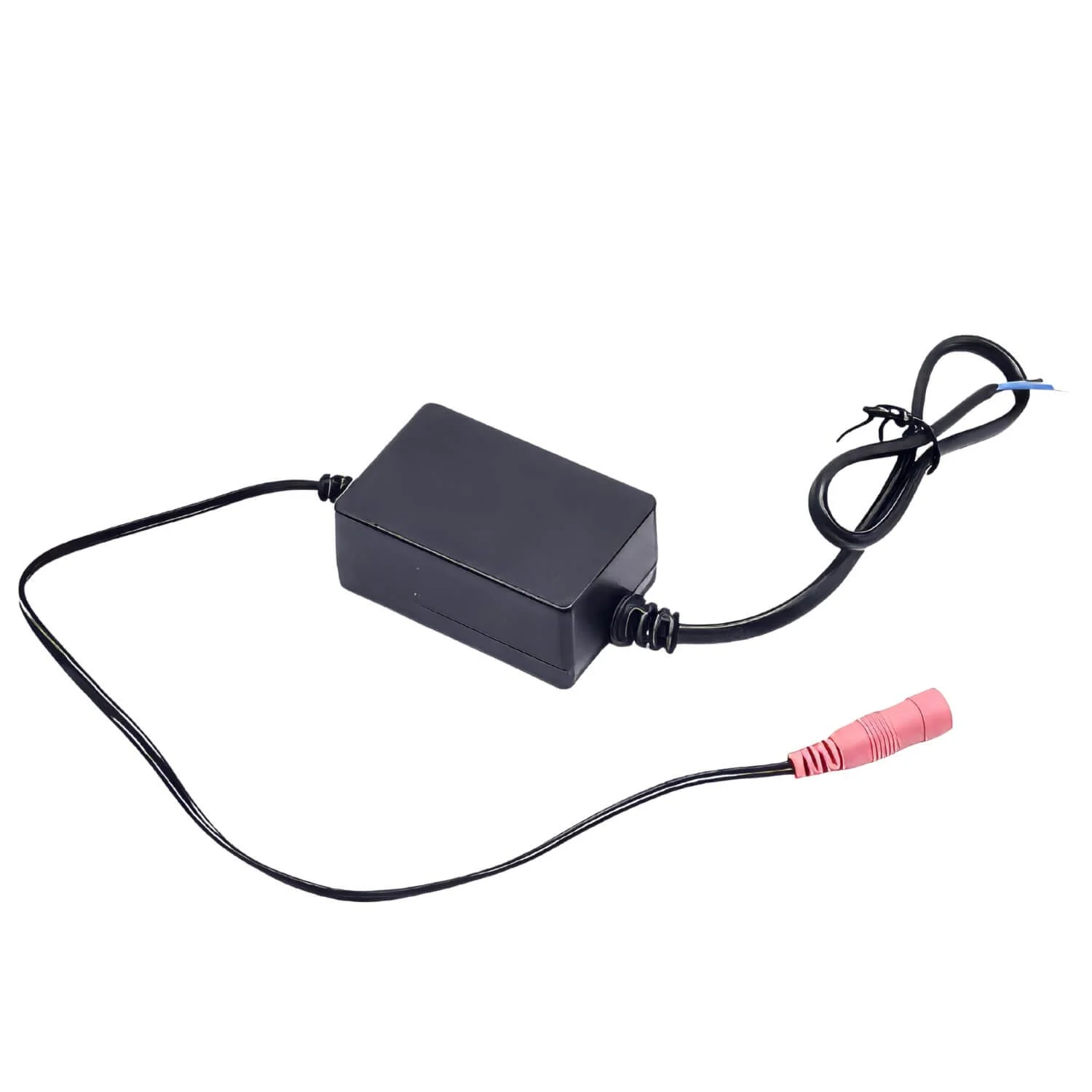
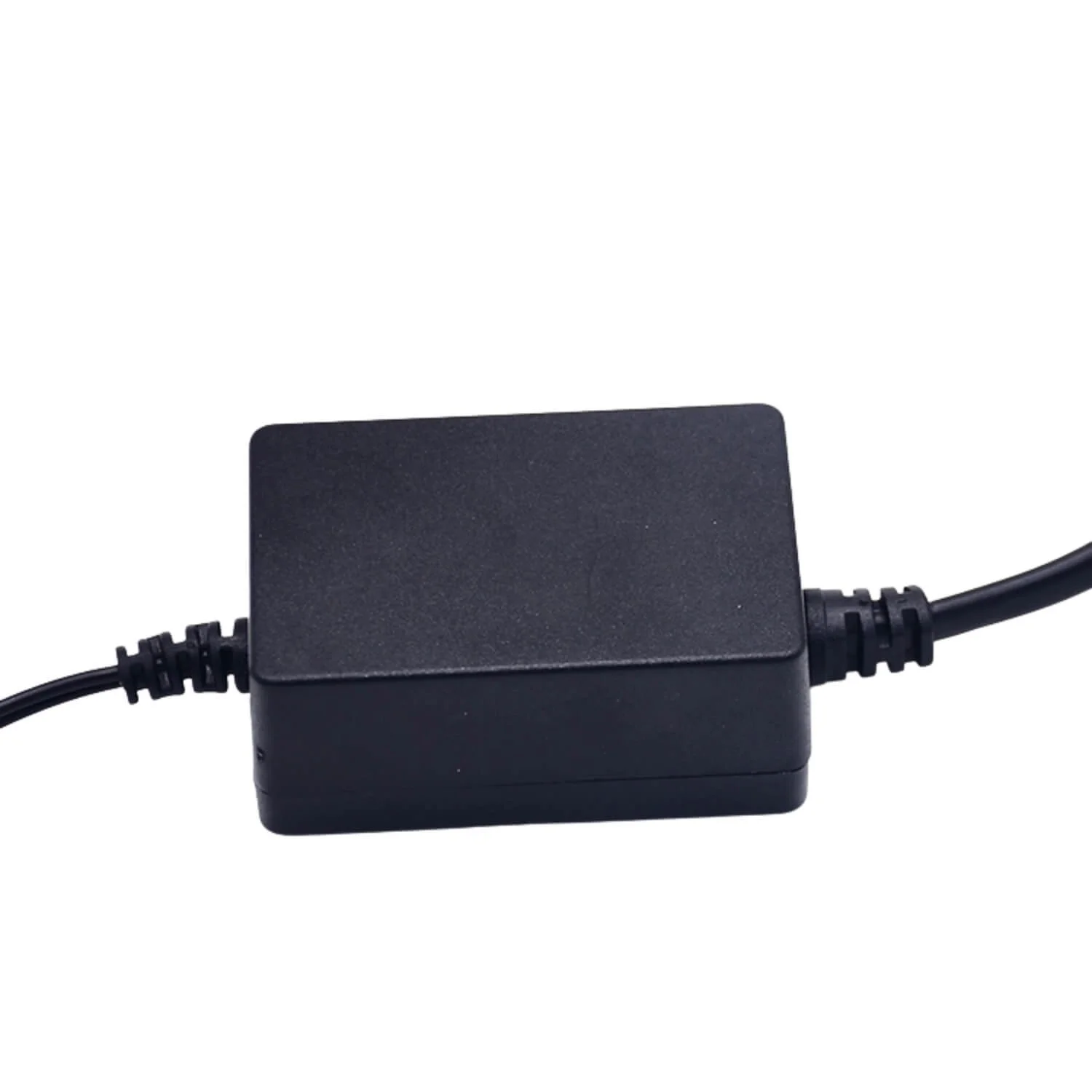
- Connection: DC barrel for power, multi‑wire connector to LED strip (see photos for wiring).
- Operating temperature: −20 °C to +55 °C.
Quick install highlights
- Connect a suitable 12–24 V DC power adapter to the controller’s DC input.
- Wire the LED strip to the controller’s RGBWW terminals (common anode).
- Open Wi‑Fi on your phone and connect to the controller’s temporary hotspot (LEDnetxxxx), then open Magic Home Pro and follow the prompts to join your home Wi‑Fi network.
- In the app, long‑press the device and change device type to match your strip (select RGBWW if applicable).
Technical specifications (from product labelling)
- Model / Part number: W‑RGBWW (ENDIzLED‑252)
- Channels: RGBWW
- App: Magic Home Pro
- Operation platform: Android 4.0 or iOS 9.0 or later
- Input voltage: DC (12–24)V
- Max output power: 240W
- Connection method: Common Anode
- Working temperature: −20 ~ 55 °C
- Control distance: Visible distance 30M
- Certifications: CE, RoHS, FCC
- Net weight: 38.5 g
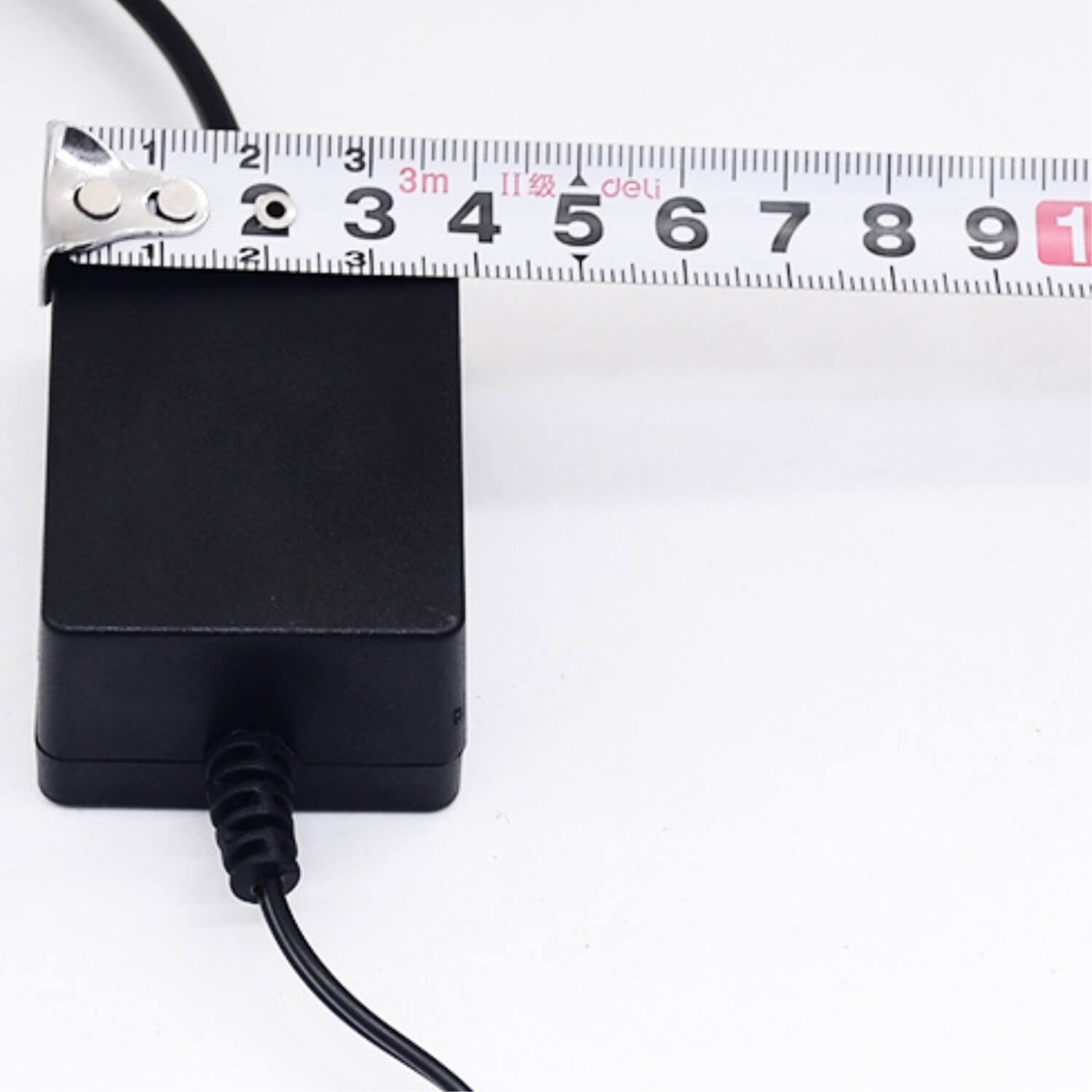
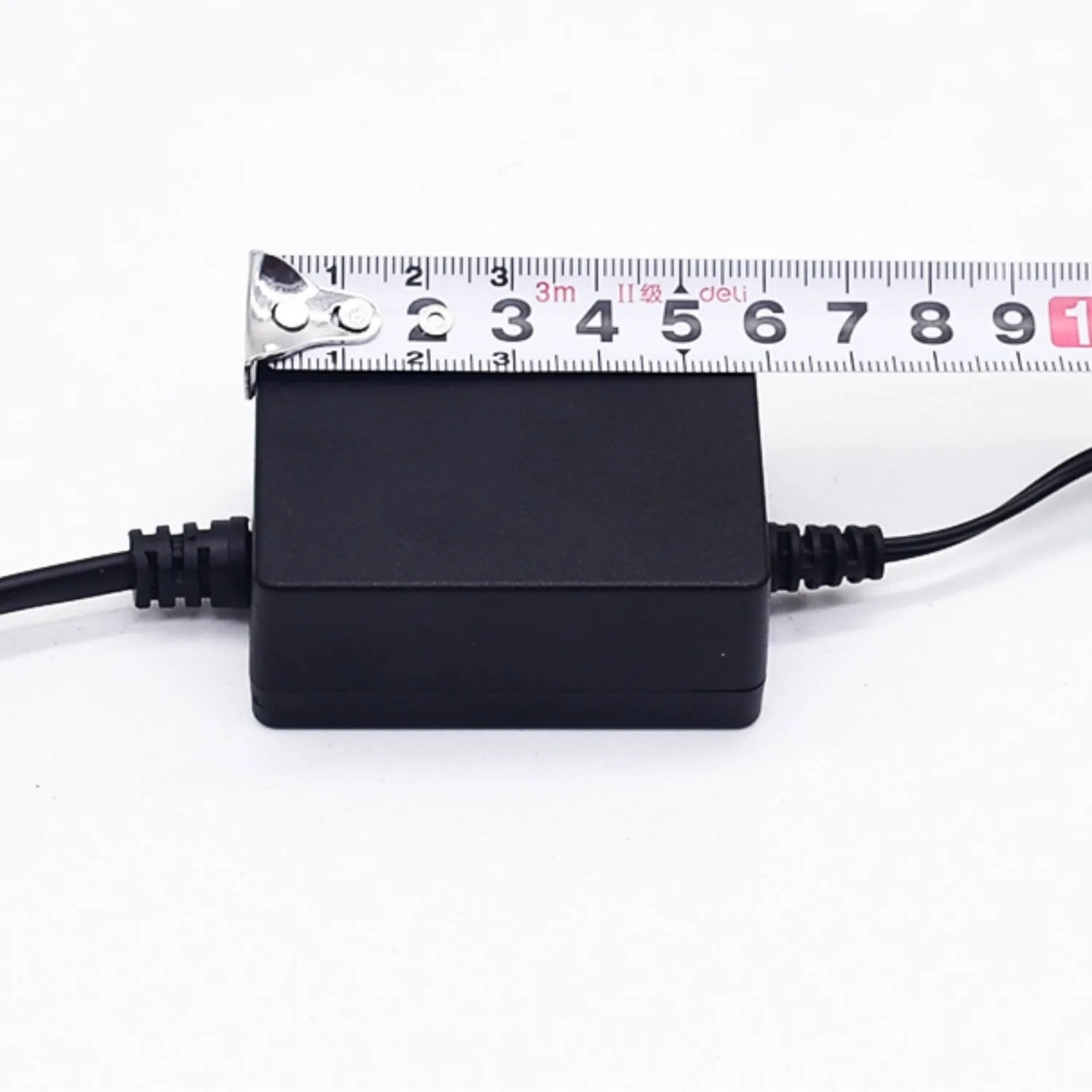
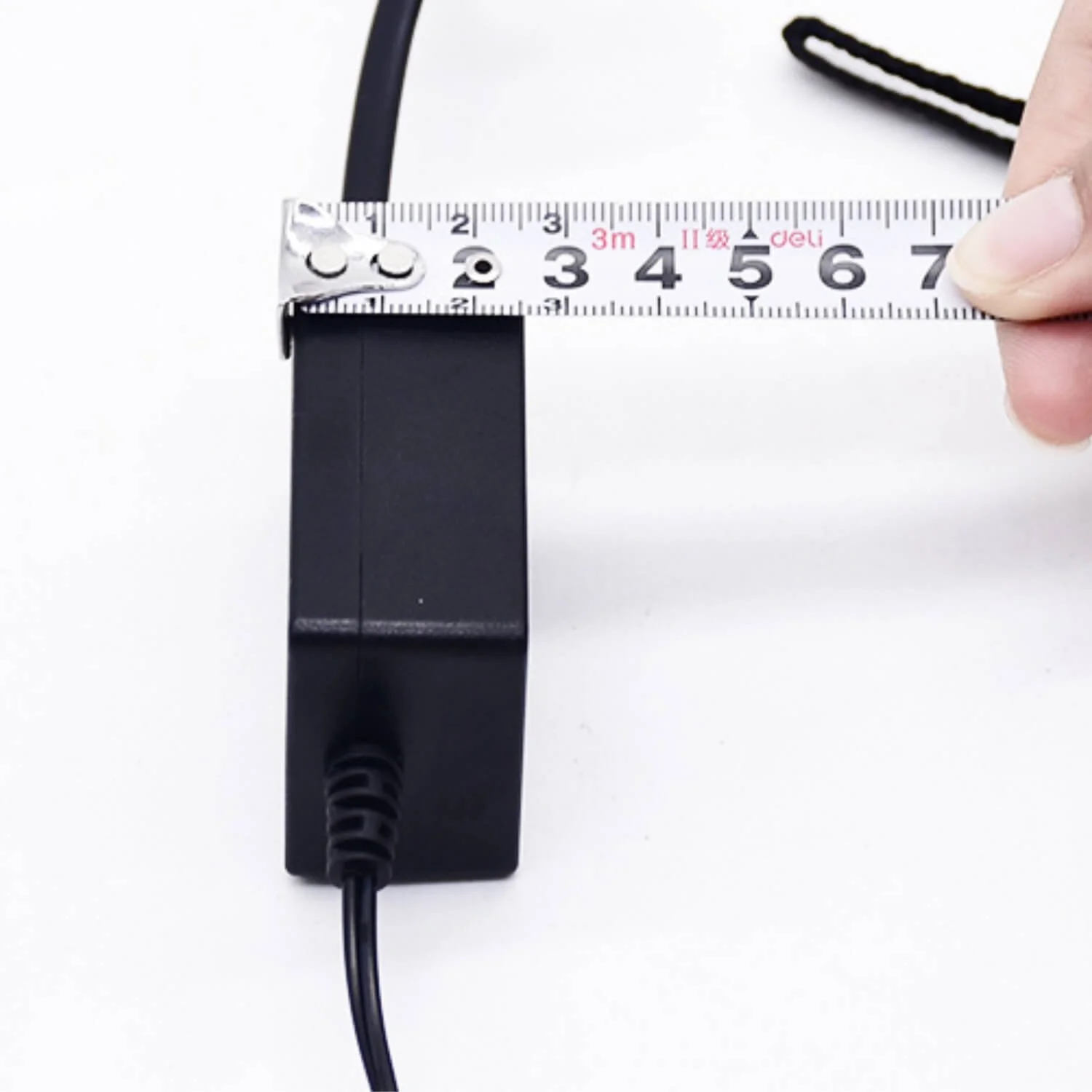
- Dimensions (L*B*H): 95 mm 94 mm 28 mm
- Carton size: 49 cm 34 cm 22 cm
- QTY per carton: 100 sets / CTN
- Gross weight (per carton): 7.8 kg
What's included (typical)
- ENDIzLED‑252 WiFi controller
- Mounting bracket / clips (shown in photos)
- Quick start / wiring guide
Tips & notes
- Match your LED strip voltage (12 V vs 24 V) to the controller and power supply.
- Total strip wattage must not exceed 240 W — factor in all channels (RGB + both whites).
- For best reliability, place the controller within range of your Wi‑Fi router and avoid metal enclosures that block signal.
- If you have any trouble pairing, reset the controller by cycling power or follow the hotspot pairing steps shown in the app screenshots.
ENDIzLED-252 — WiFi LED Strip Controller (W‑RGBWW)
- The ENDIzLED-252 is a compact WiFi controller for constant‑voltage LED strips (RGB + dual white channels — RGBWW). Control color, brightness and CCT via the Magic Home Pro app or integrate into smart scenes. Ideal for accent lighting, backlighting, cabinets, coves and DIY installs.
Key features
- WiFi control (no hub required) — use Magic Home Pro app.
- Supports RGBWW strips (RGB + warm white + cool white) with common‑anode wiring.
- Compatible with Android 4.0+ and iOS 9.0+.
- Change device type in the app (DIM, CCT, RGB, RGBW, RGBWW) for flexible strip types.
- Visible control distance up to 30 m (line of sight with remote app control on local WiFi).
- Certifications: CE, RoHS, FCC.
Performance & compatibility
- Input voltage: DC 12–24 V — works with common LED power adapters.
- Max output power: 240 W (ensure your power supply and strip draw are within limits).
- Connection: DC barrel for power, multi‑wire connector to LED strip (see photos for wiring).
- Operating temperature: −20 °C to +55 °C.
Quick install highlights
- Connect a suitable 12–24 V DC power adapter to the controller’s DC input.
- Wire the LED strip to the controller’s RGBWW terminals (common anode).
- Open Wi‑Fi on your phone and connect to the controller’s temporary hotspot (LEDnetxxxx), then open Magic Home Pro and follow the prompts to join your home Wi‑Fi network.
- In the app, long‑press the device and change device type to match your strip (select RGBWW if applicable).
Technical specifications (from product labelling)
- Model / Part number: W‑RGBWW (ENDIzLED‑252)
- Channels: RGBWW
- App: Magic Home Pro
- Operation platform: Android 4.0 or iOS 9.0 or later
- Input voltage: DC (12–24)V
- Max output power: 240W
- Connection method: Common Anode
- Working temperature: −20 ~ 55 °C
- Control distance: Visible distance 30M
- Certifications: CE, RoHS, FCC
- Net weight: 38.5 g
- Dimensions (L*B*H): 95 mm 94 mm 28 mm
- Carton size: 49 cm 34 cm 22 cm
- QTY per carton: 100 sets / CTN
- Gross weight (per carton): 7.8 kg
What's included (typical)
- ENDIzLED‑252 WiFi controller
- Mounting bracket / clips (shown in photos)
- Quick start / wiring guide
Tips & notes
- Match your LED strip voltage (12 V vs 24 V) to the controller and power supply.
- Total strip wattage must not exceed 240 W — factor in all channels (RGB + both whites).
- For best reliability, place the controller within range of your Wi‑Fi router and avoid metal enclosures that block signal.
- If you have any trouble pairing, reset the controller by cycling power or follow the hotspot pairing steps shown in the app screenshots.


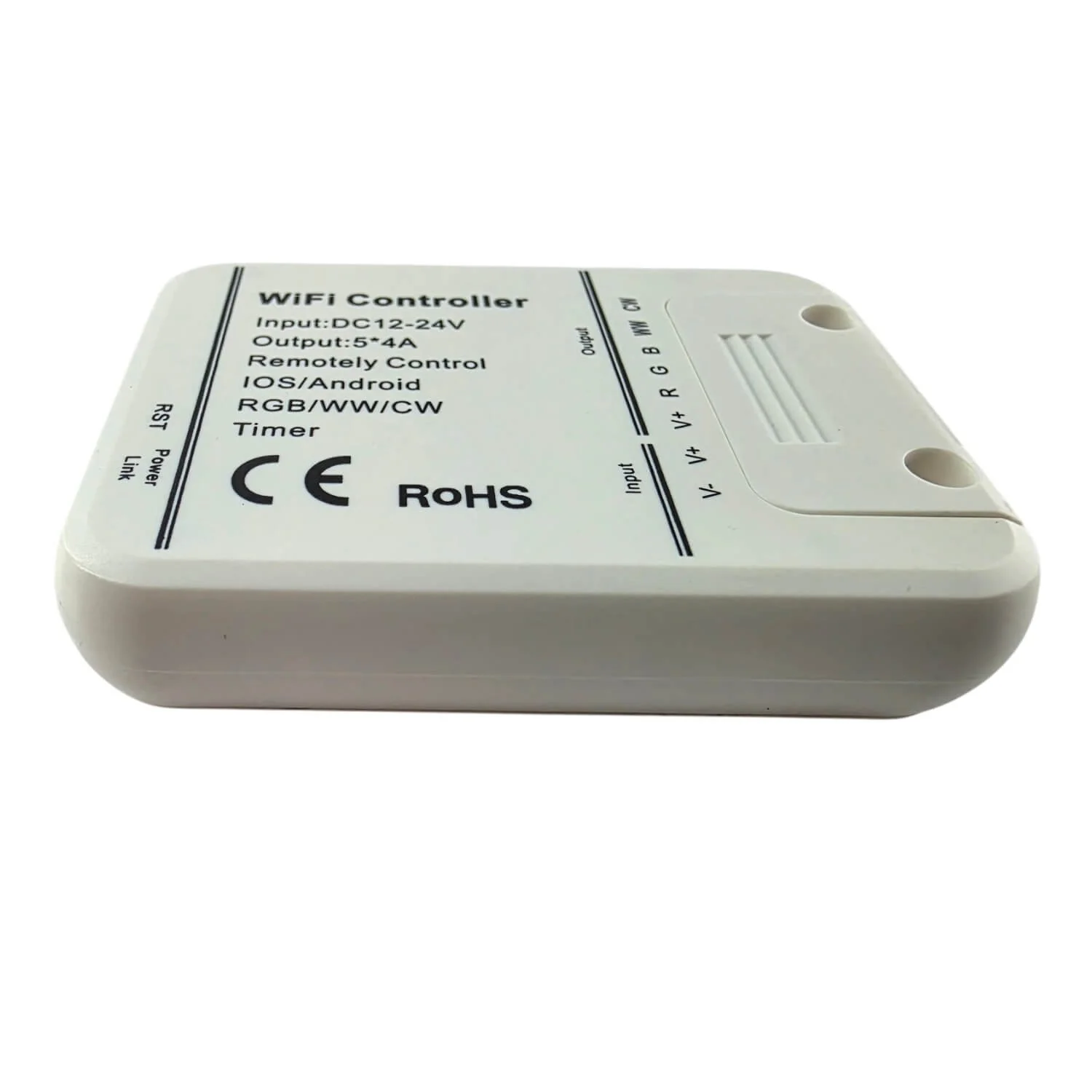 Image 1 of 18
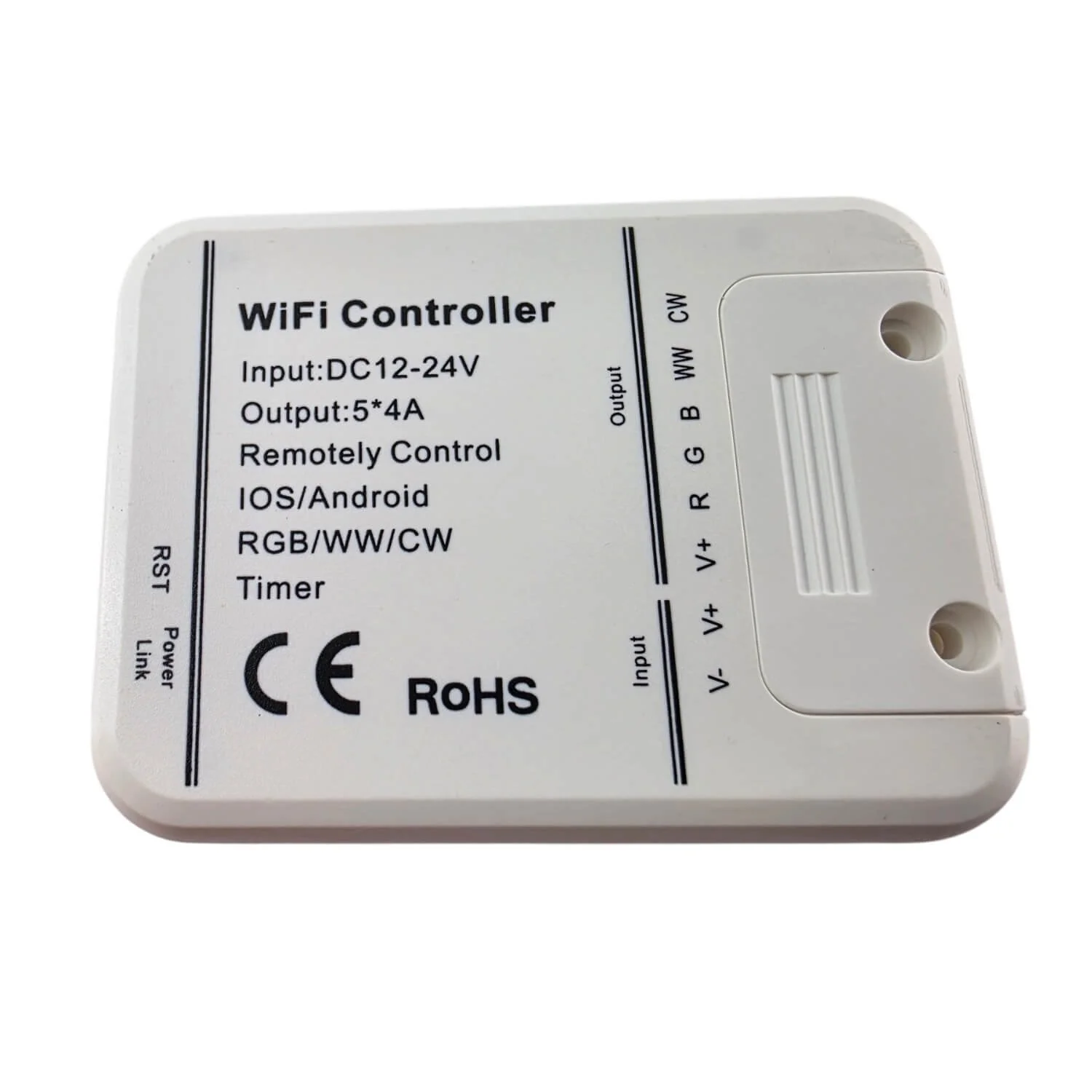 Image 2 of 18
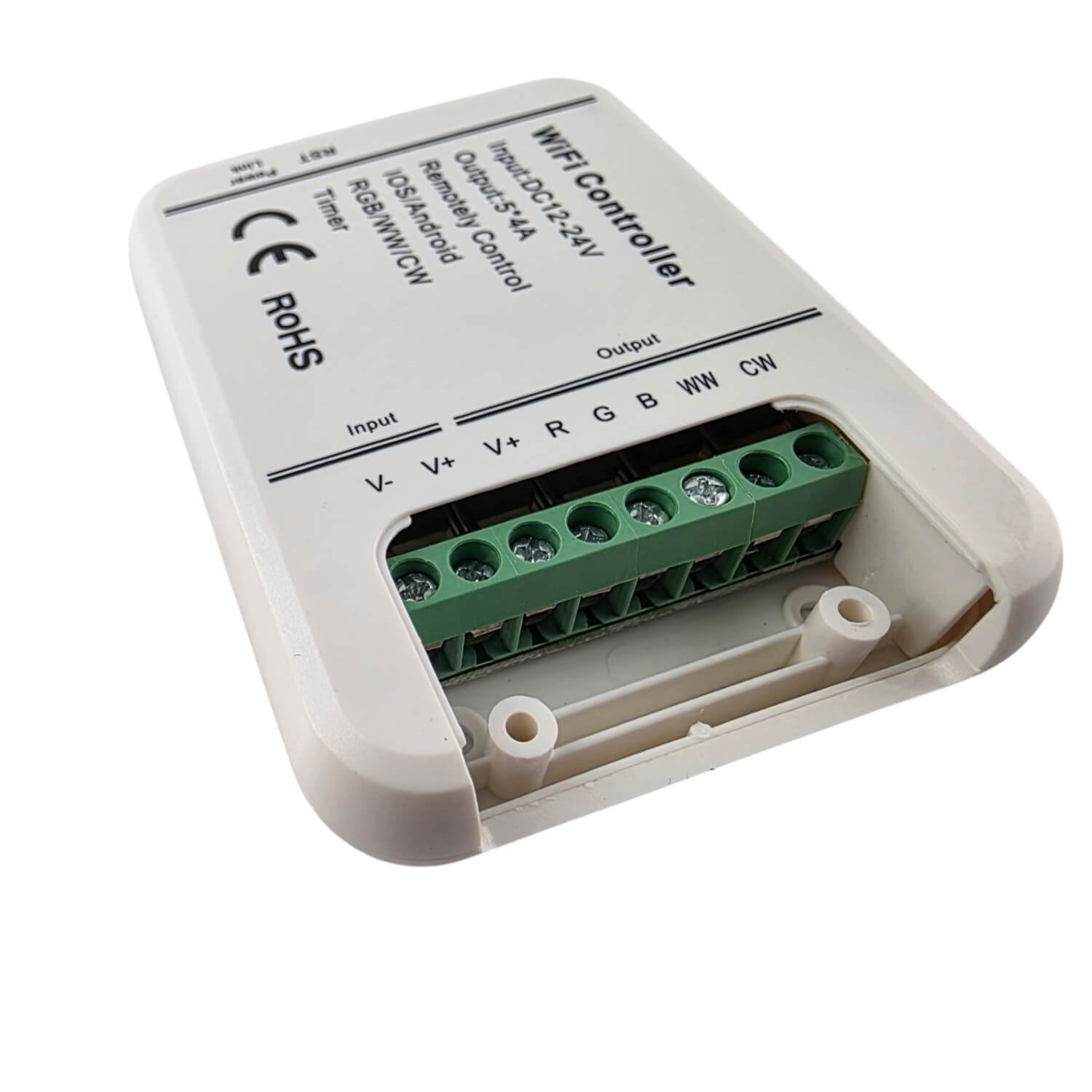 Image 3 of 18
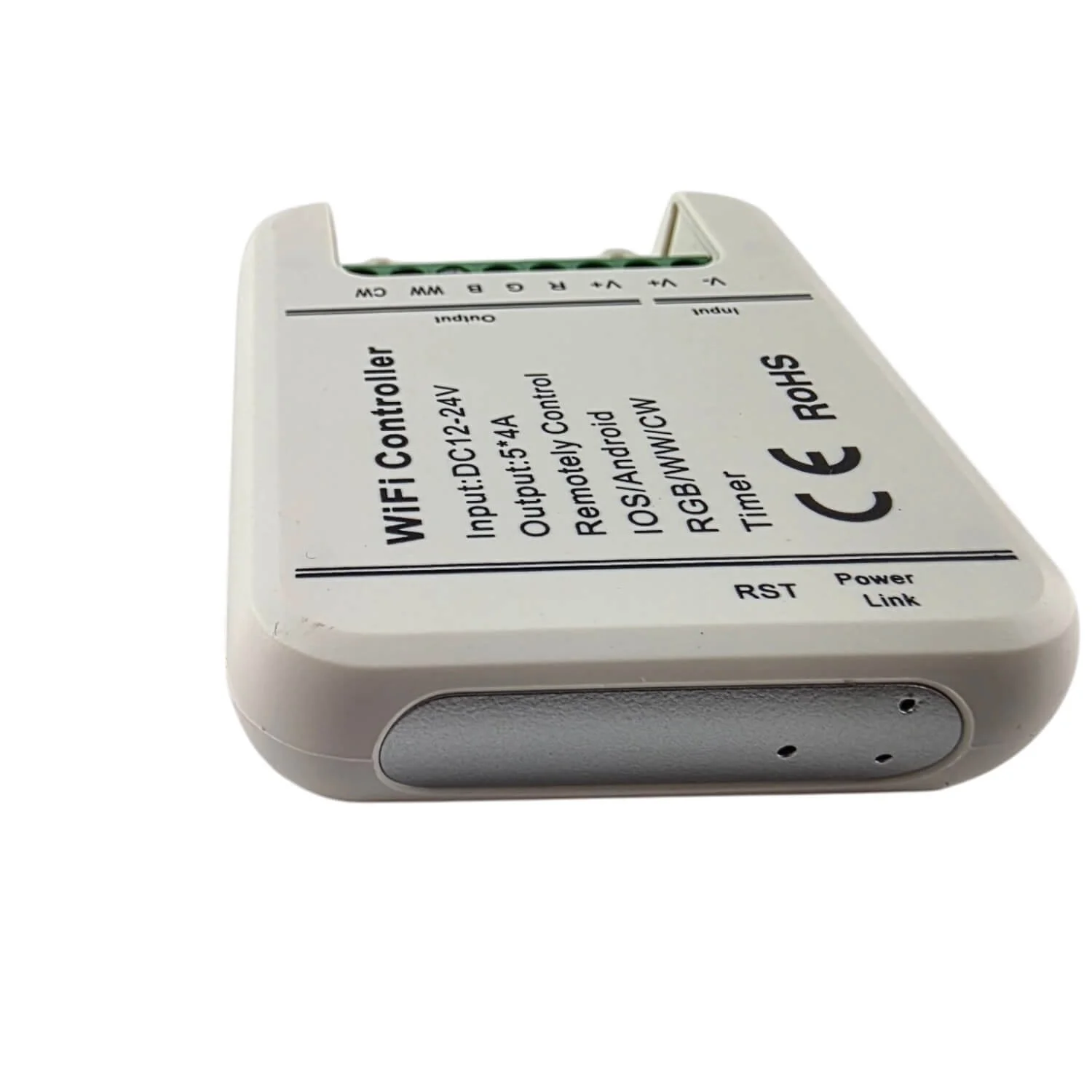 Image 4 of 18
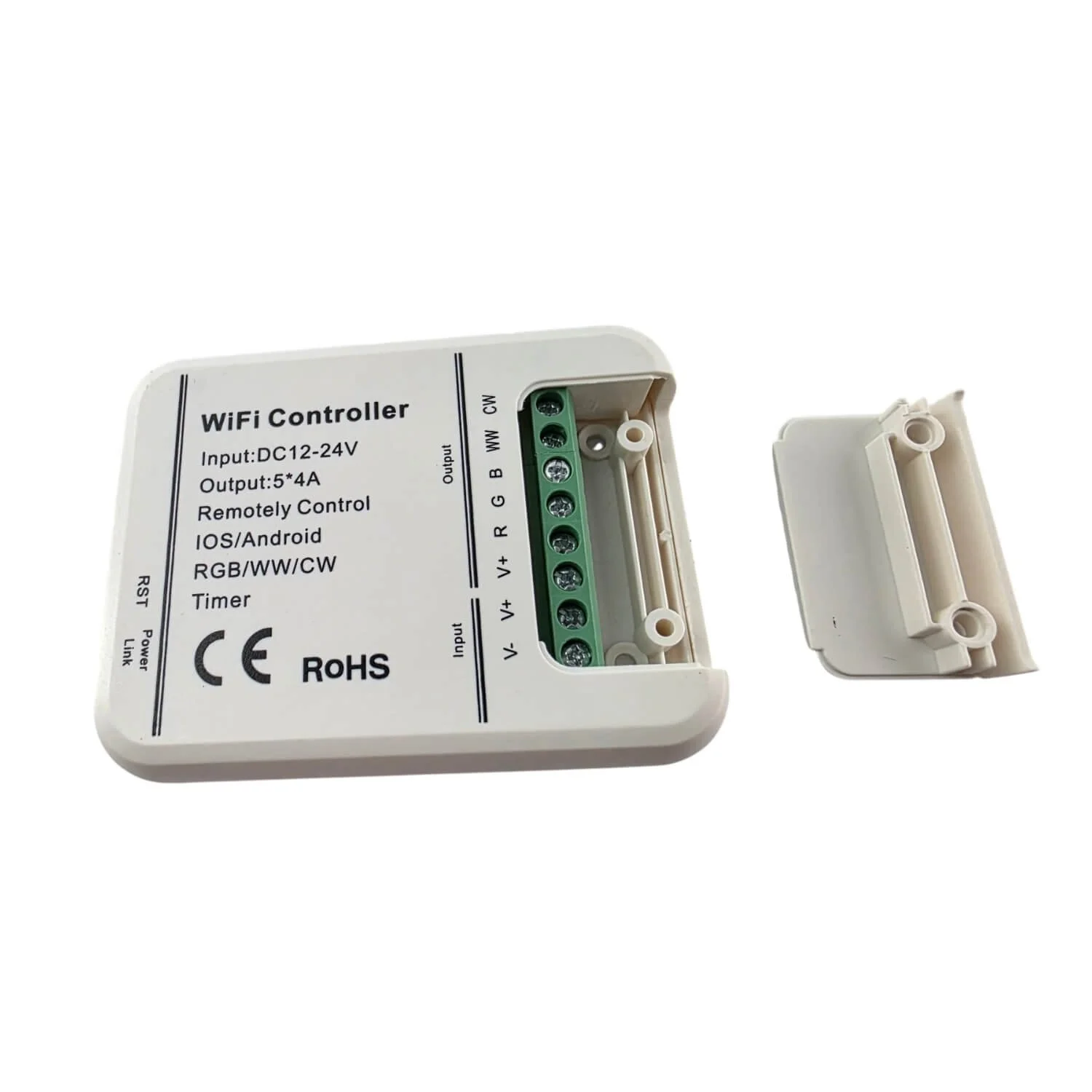 Image 5 of 18
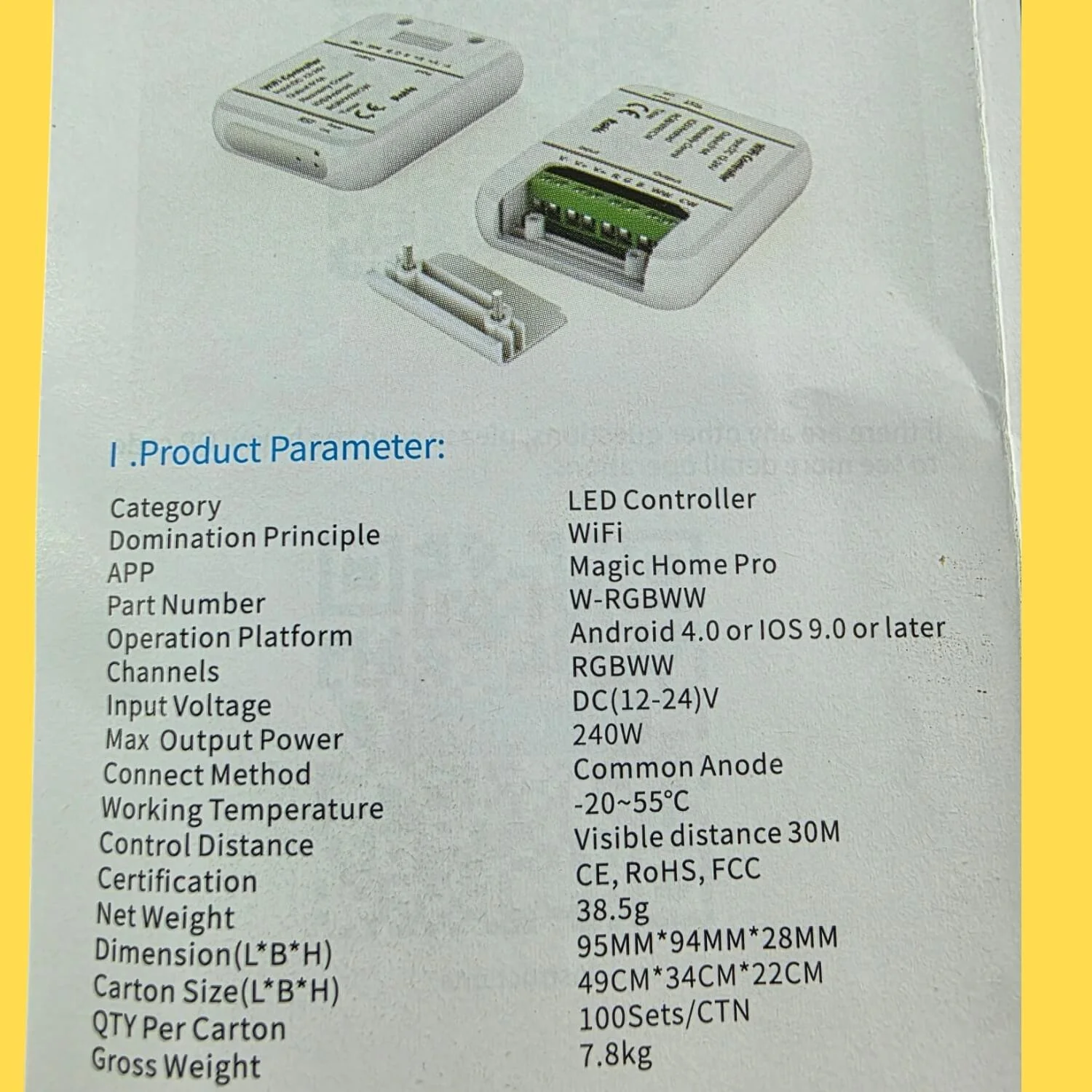 Image 6 of 18
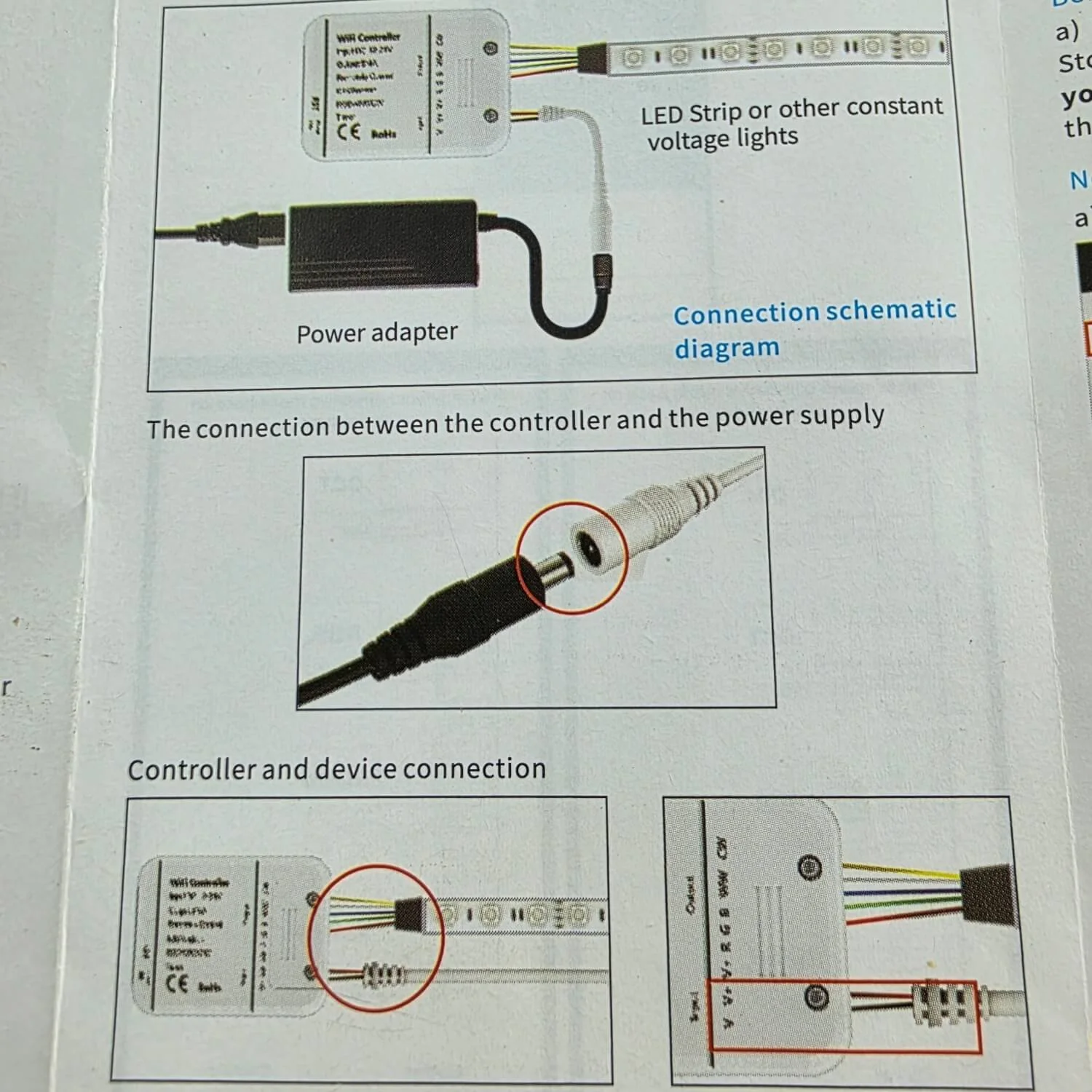 Image 7 of 18
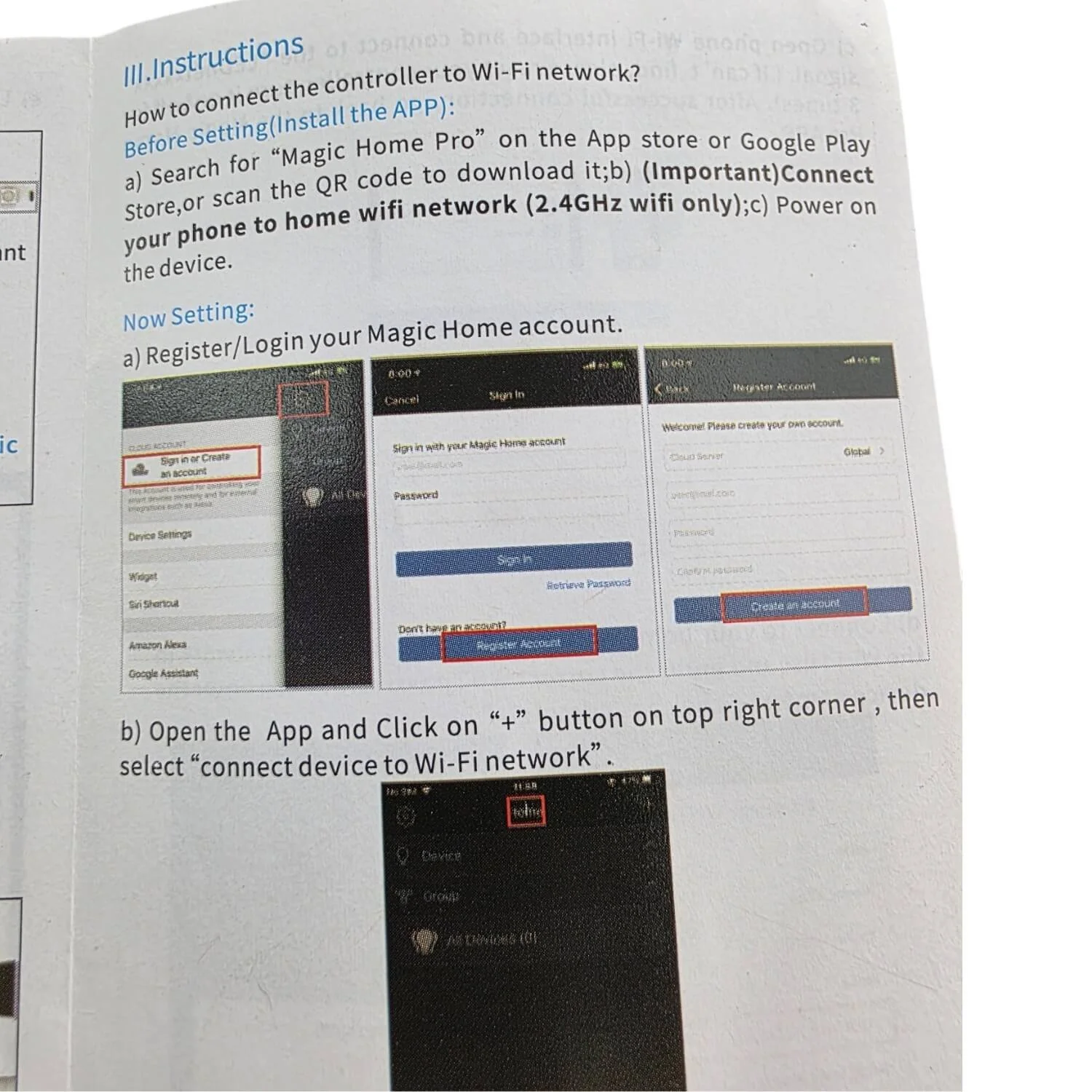 Image 8 of 18
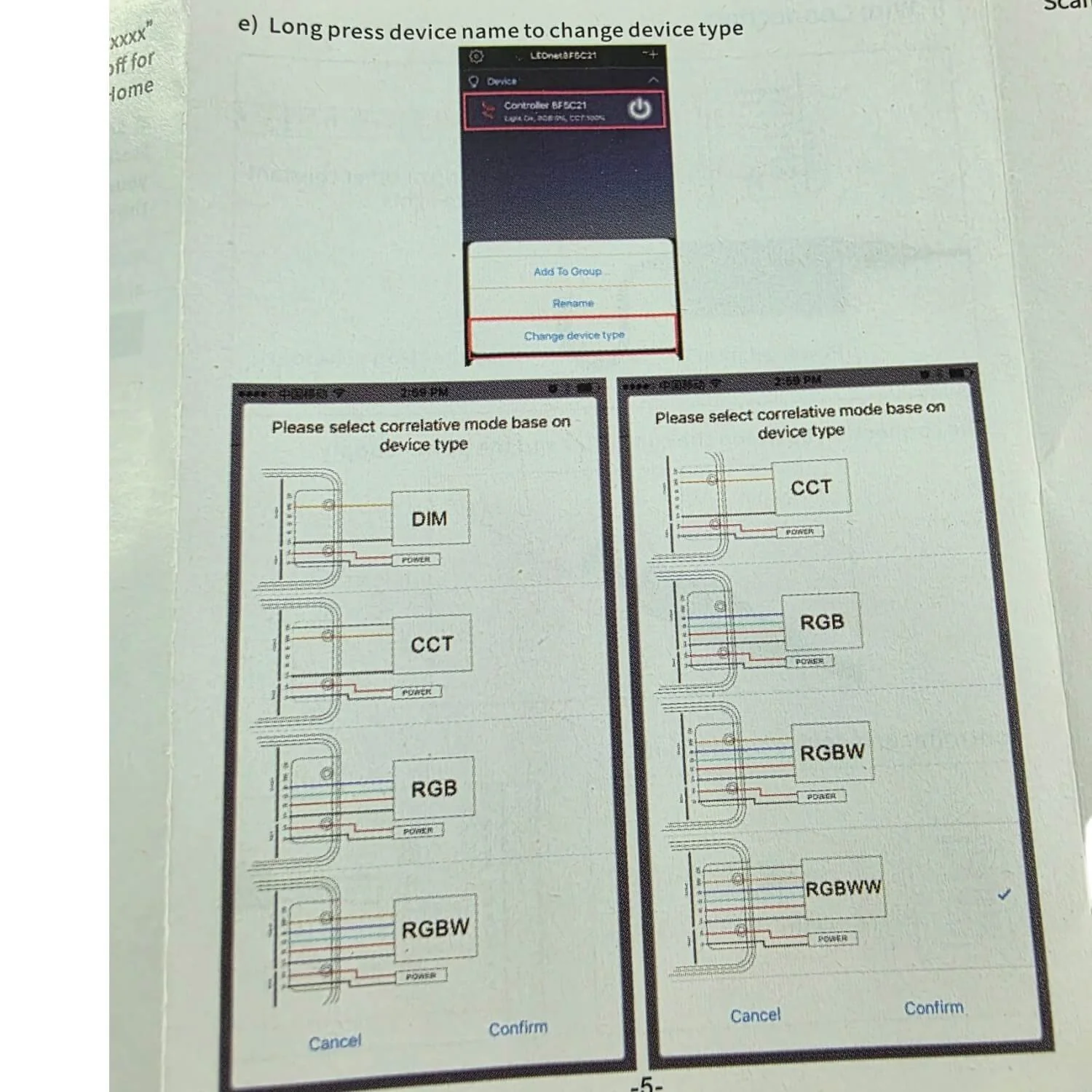 Image 9 of 18
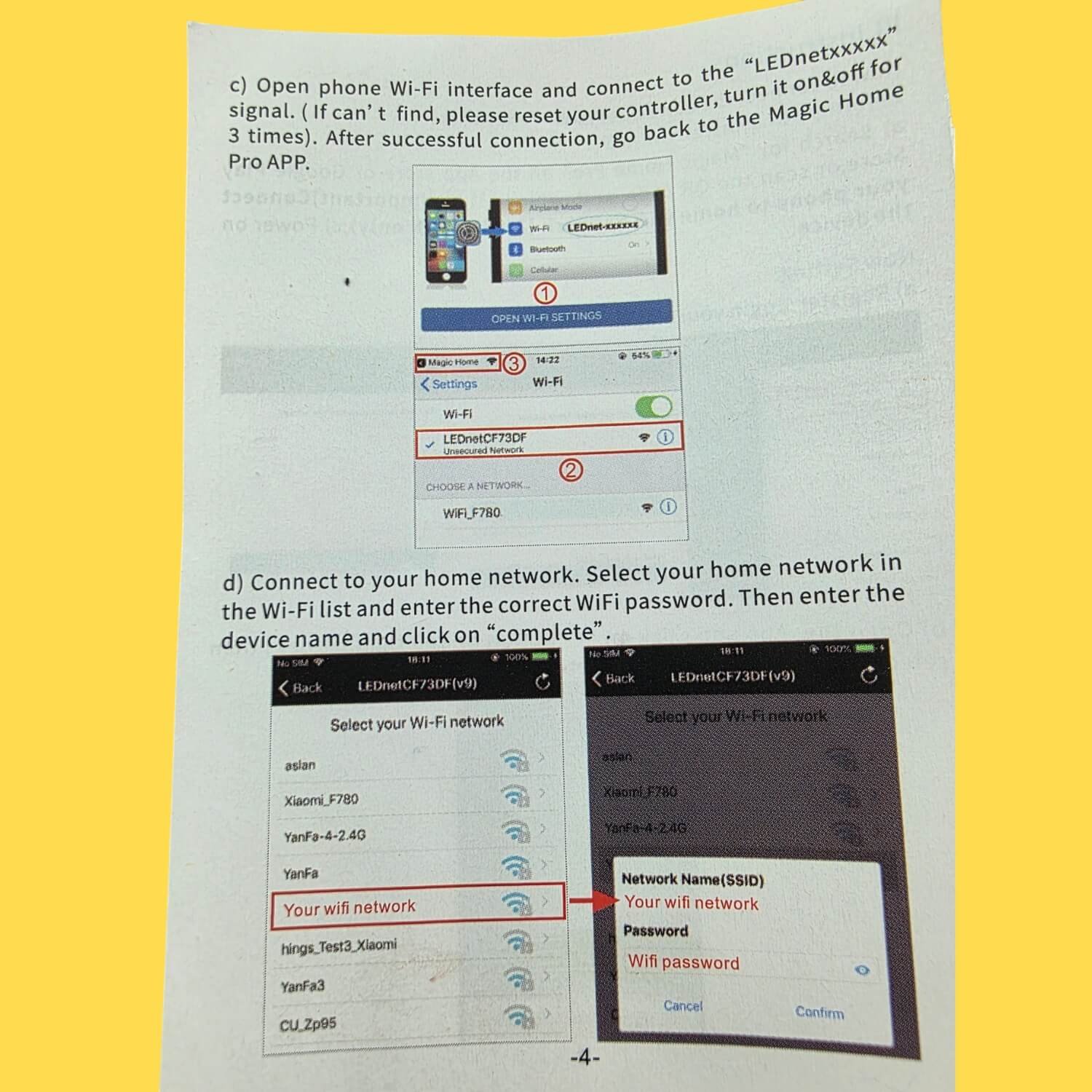 Image 10 of 18
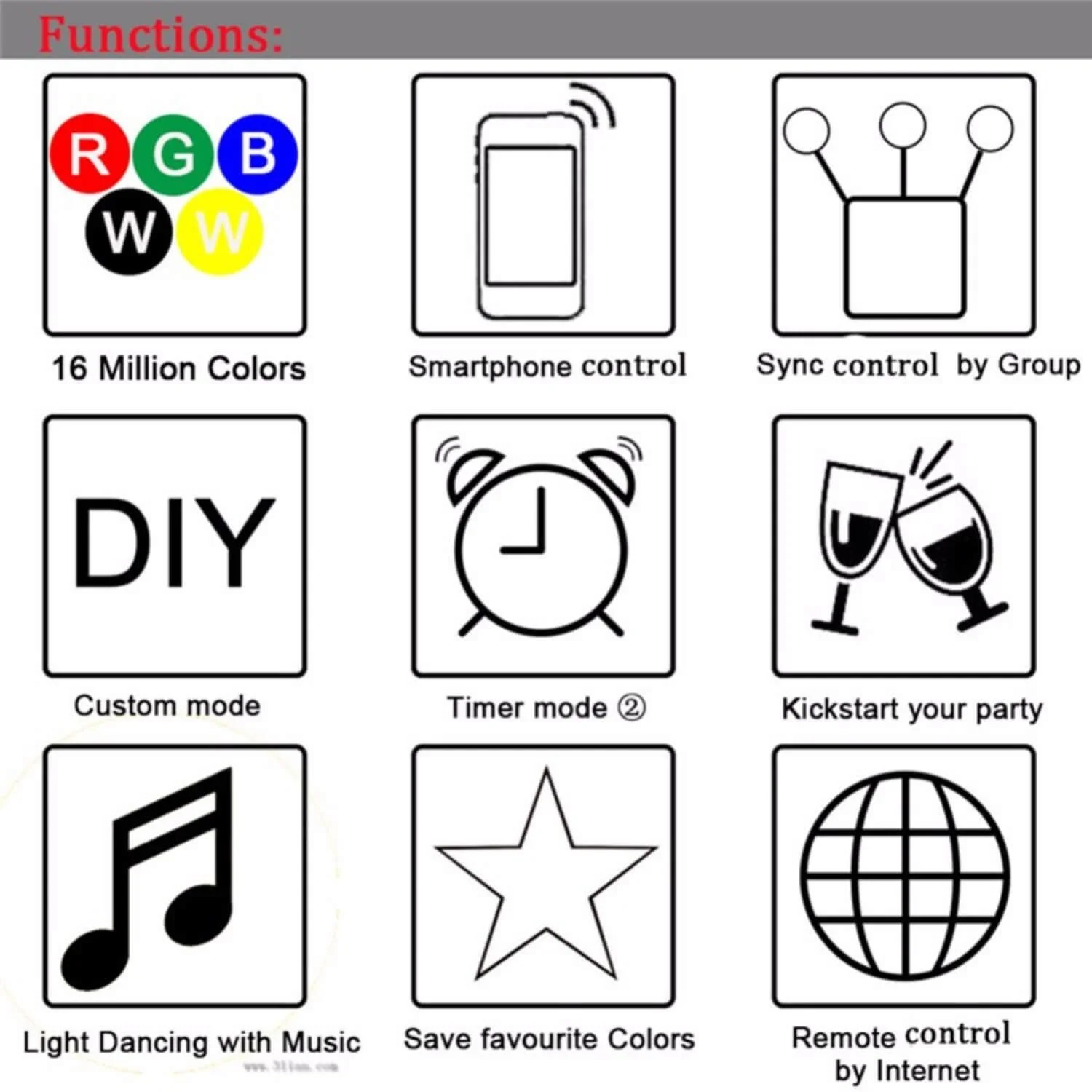 Image 11 of 18
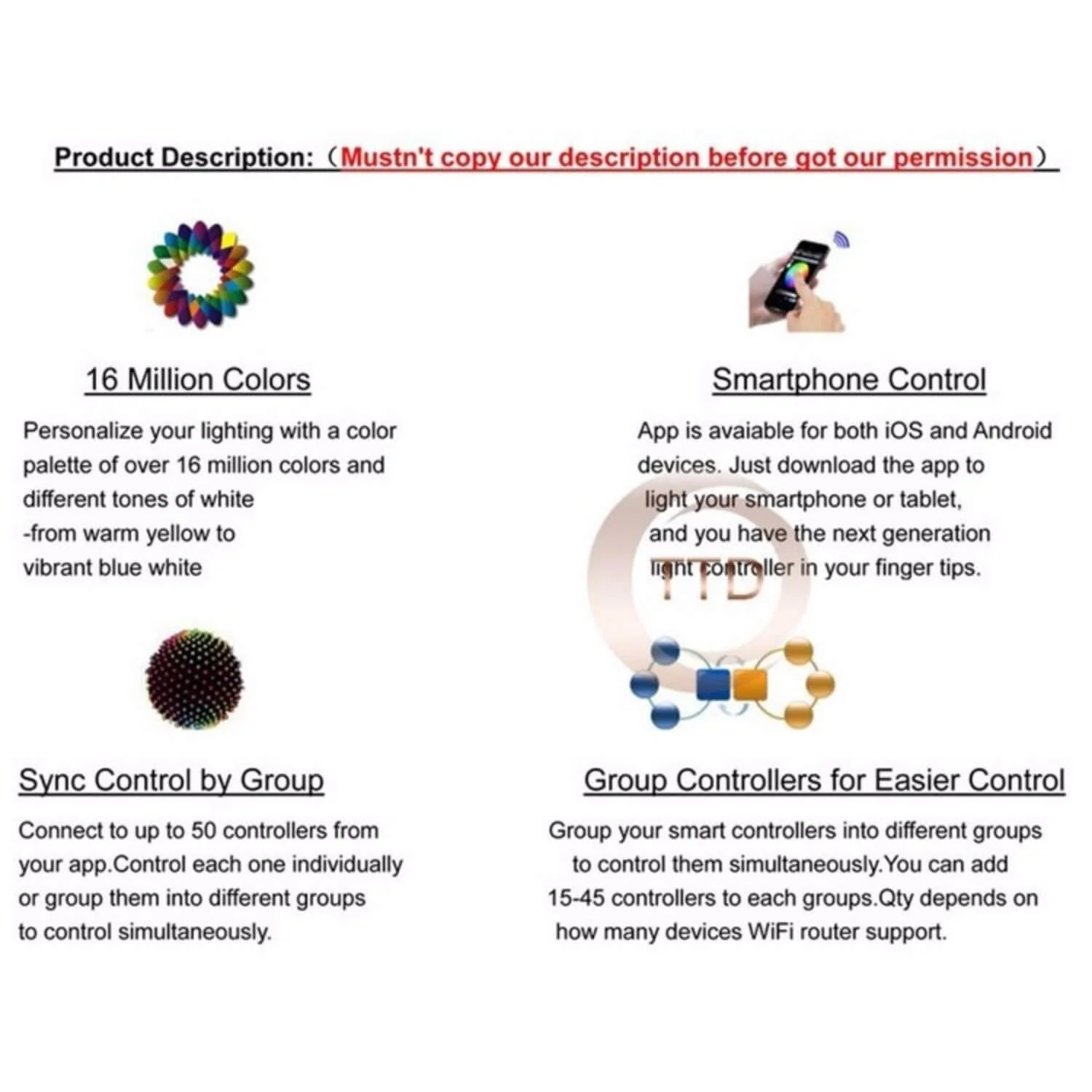 Image 12 of 18
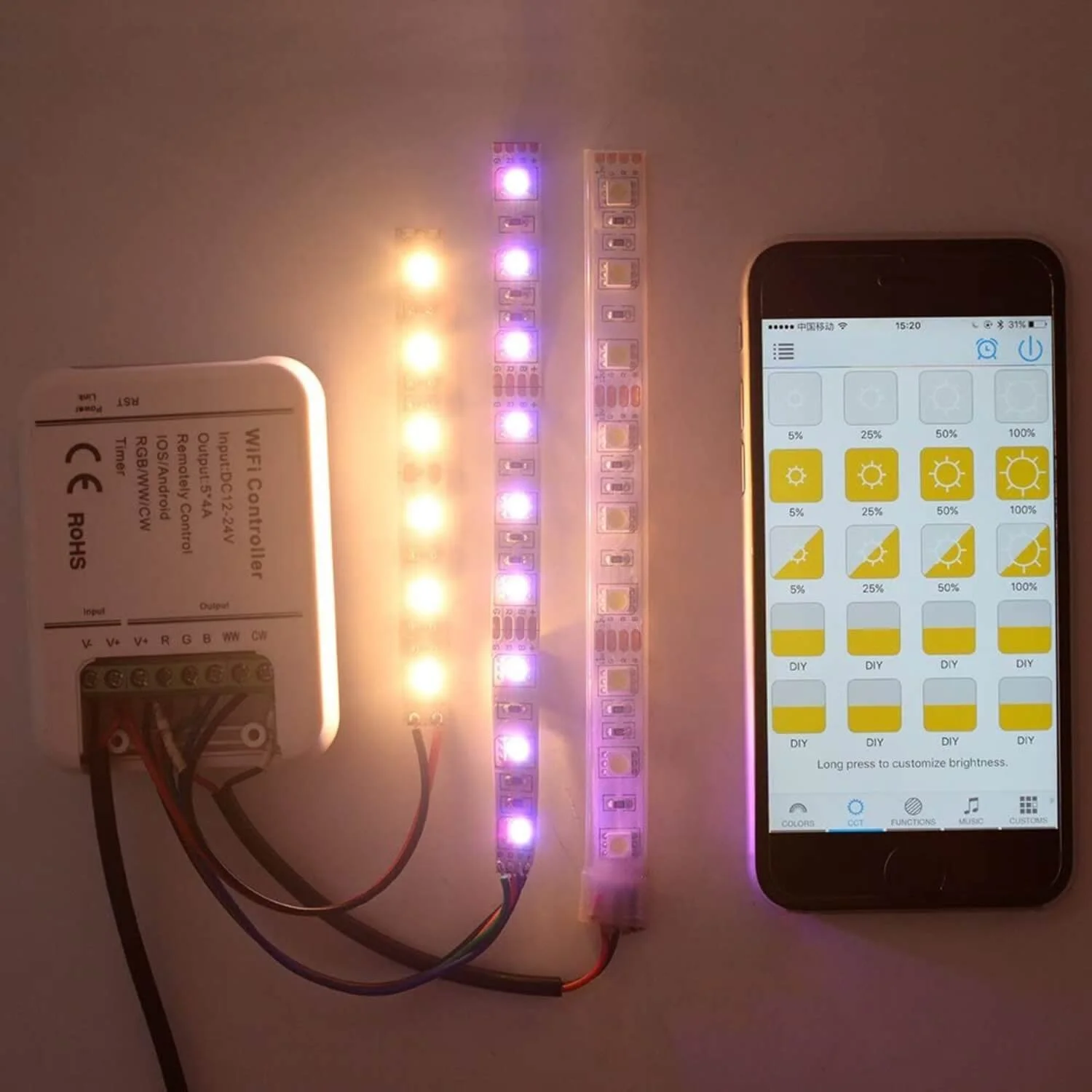 Image 13 of 18
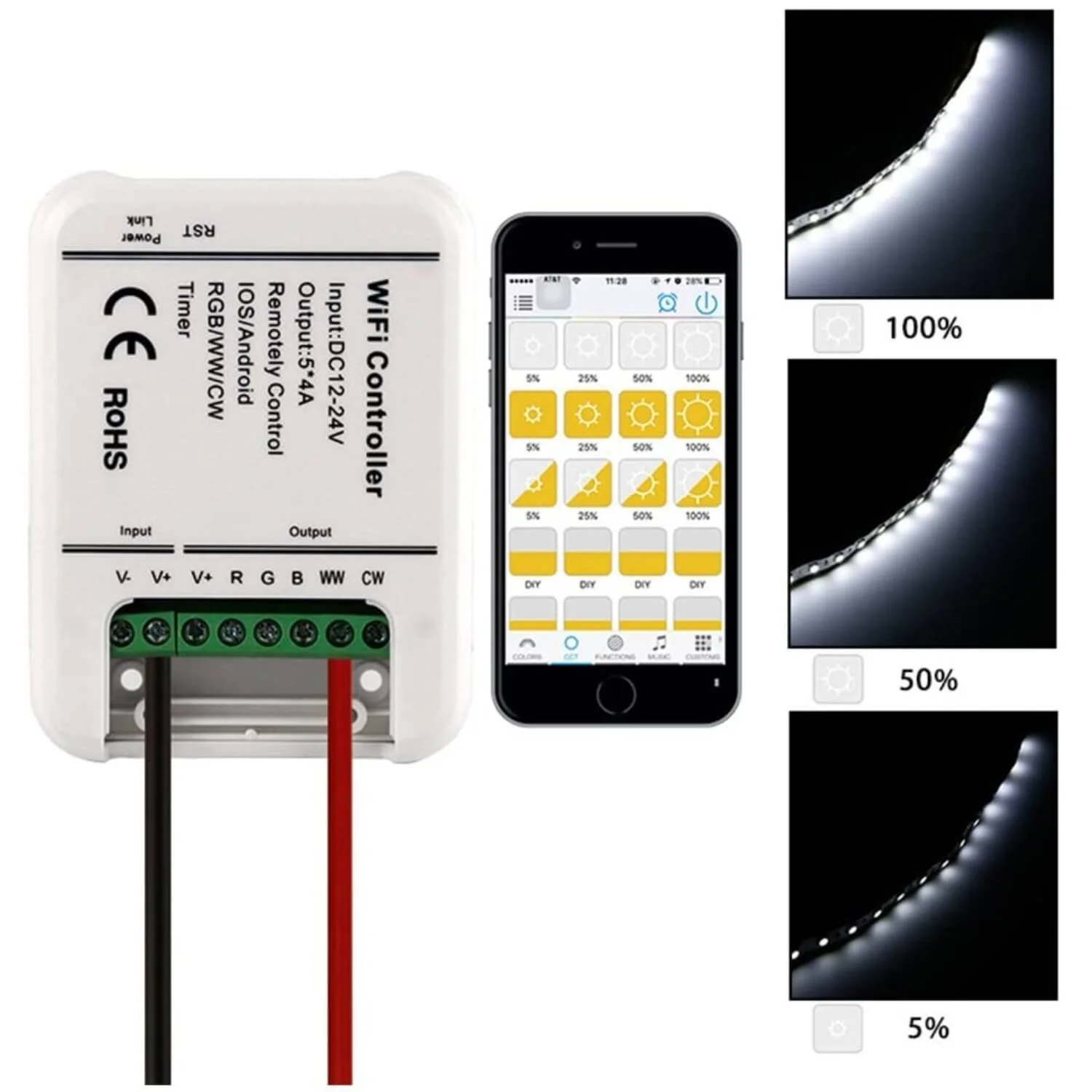 Image 14 of 18
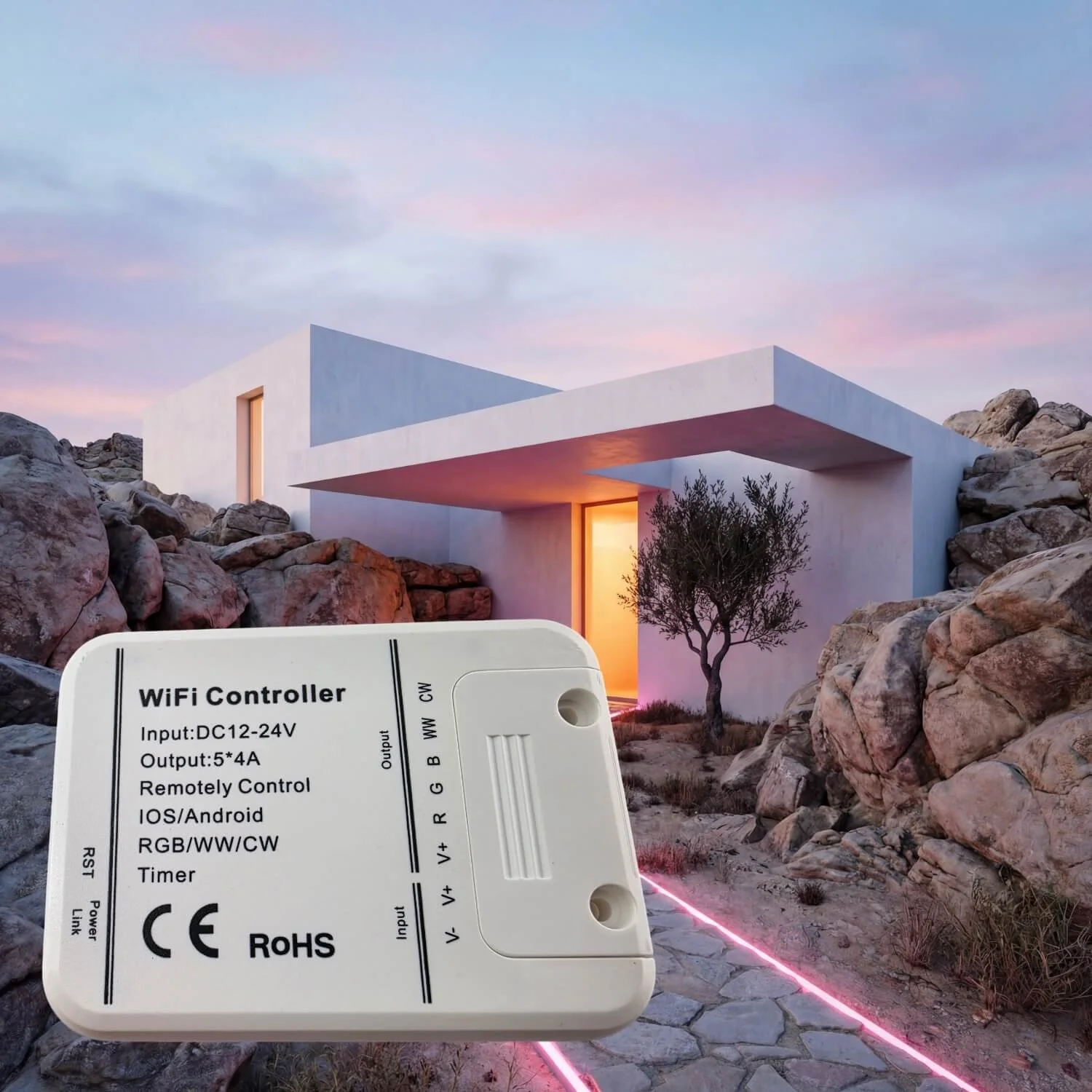 Image 15 of 18
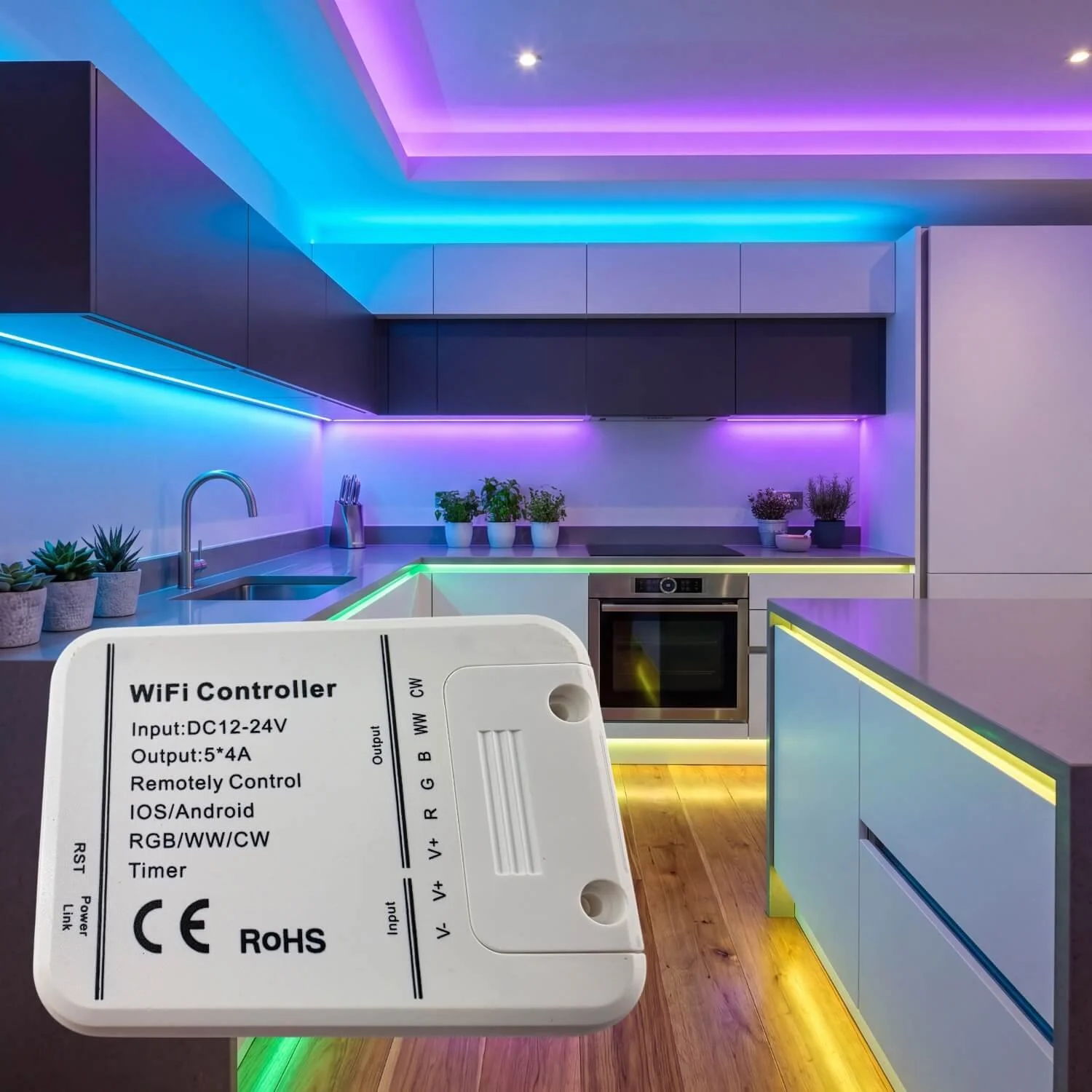 Image 16 of 18
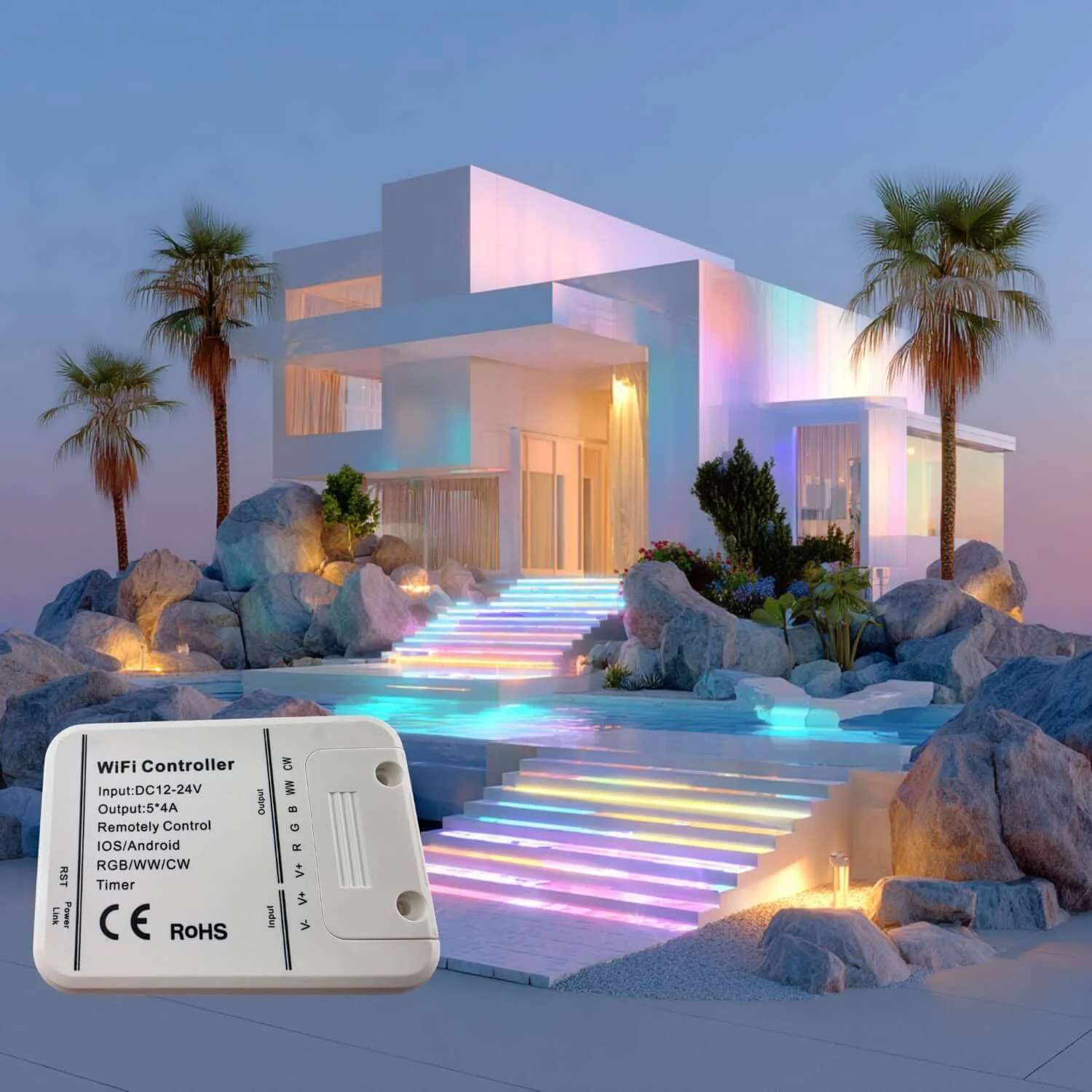 Image 17 of 18
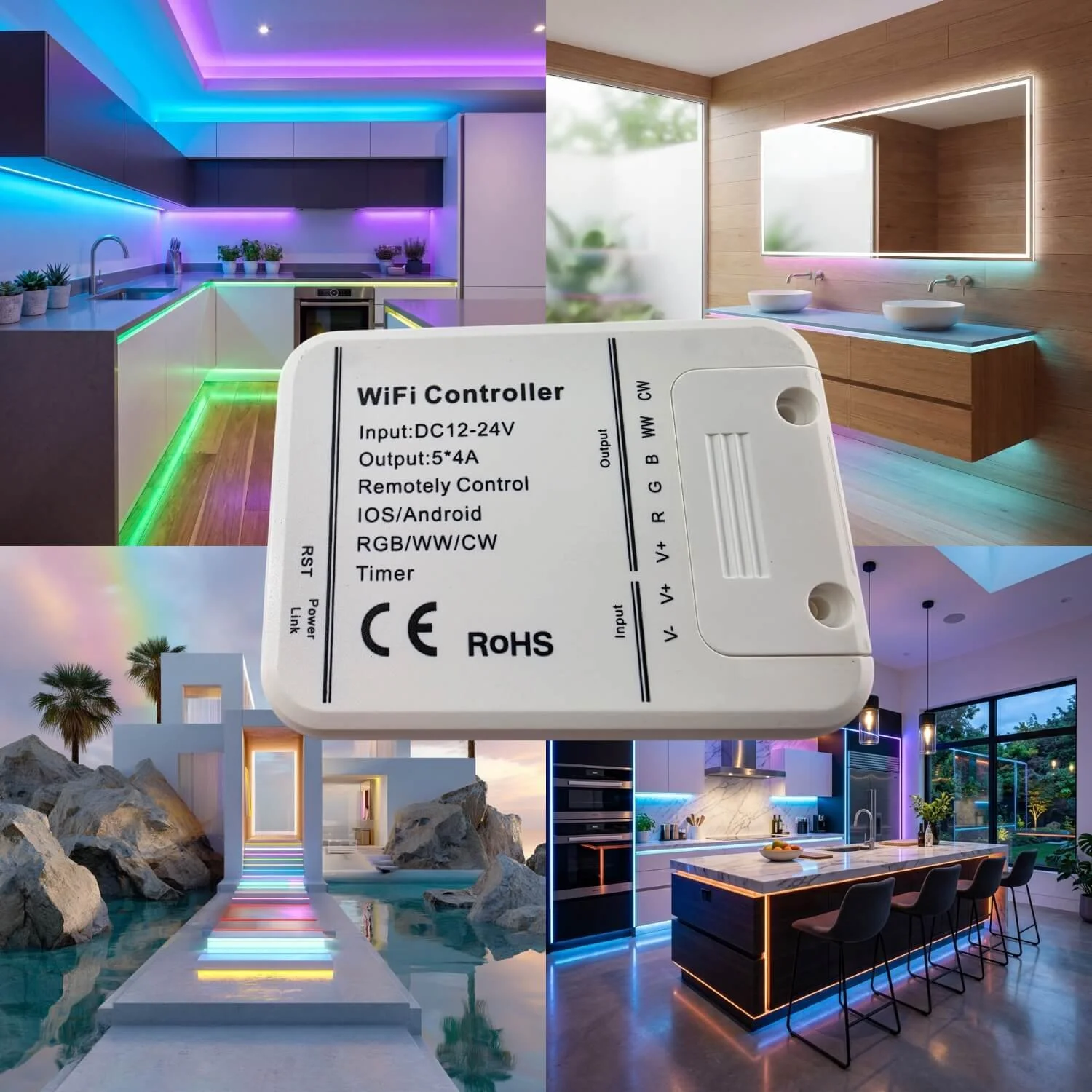 Image 18 of 18